
Key facts
- Brand
- EXTECH
- Model
- MN16A
- Category
- multimeter
- Documents
- 2
- Languages
- EN
- Last added
- 2012-08-01
Start here
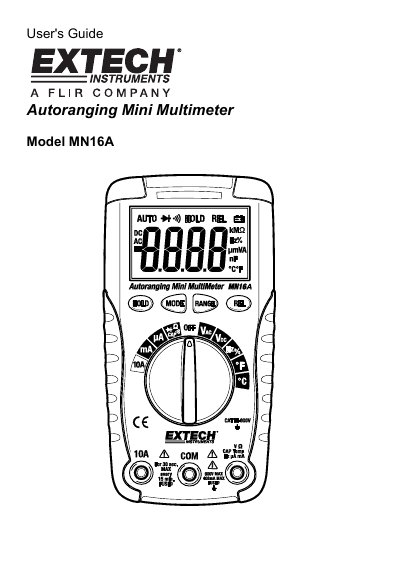
Extech MN16A Autoranging Multimeter User Guide
This manual provides the user's guide for the Extech MN16A Autoranging Multimeter. It details the device's features, including a 4,000 count LCD display and various input jacks for different measurement functions. The document emphasizes safety precautions, such as avoiding high voltage exposure and proper handling of test leads, to prevent injury or damage to the meter.
Read onlineEXTECH MN16A specifications
| Display | 4,000 count LCD |
|---|---|
| Max Input Voltage (DC/AC) | 600VDC/AC |
| Max Input Current (mA) | 400mA AC/DC |
| Max Input Current (A) | 10A AC/DC |
| Max Frequency/Resistance Input | 250VDC/AC |
All EXTECH MN16A documents by type
Day-to-day operation, settings and troubleshooting. Start here if the product is already set up.
Questions answered in these manuals
What does the 'OL' indicator mean?
The 'OL' indicator appears when the measured value exceeds the selected range.
How long can I measure 20A current?
You should not make 20A current measurements for longer than 30 seconds.
What is the difference between the MN15A and MN16A models?
The MN15A is a Manual Ranging model, while the MN16A is an Autoranging model that includes AC Current, Capacitance, Frequency, and Duty Cycle measurements.
Does the multimeter include a battery?
Yes, the MN15A includes a 9V battery and the MN16A includes two AAA batteries.