
Key facts
- Brand
- EXTECH
- Model
- EN300
- Category
- Other Electronics
- Documents
- 7
- Languages
- ES · IT · DE · FR · EN
- Last added
- 2012-08-01
Start here
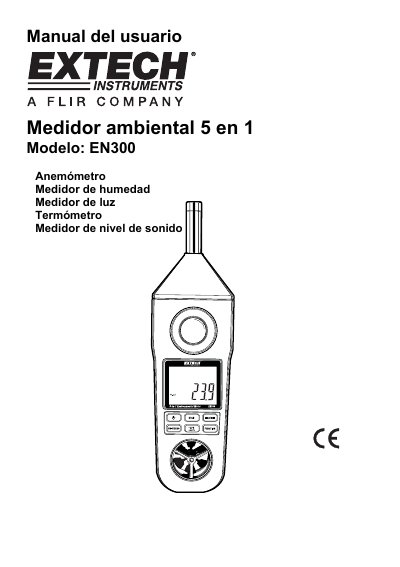
Extech EN300 Environmental Meter User Manual
The document provides operating instructions for the Extech EN300 Environmental Meter. It details how to power on the device, select functions such as anemometer, hygrometer, lux meter, thermometer (Type K), and sound level meter, and use various buttons like Hold, Max/Min, and Unit selection. This manual is written in Spanish.
Read onlineEXTECH EN300 specifications
| Display Type | LCD, size: 41.5 x 31.5mm |
|---|---|
| Power Source | 6 batteries CD 1.5 V (UM4, AAA) |
| Weight | 335 g/0.74 lb (battery included) |
| Dimensions | HWD 248 x 70 x 34 mm |
| Sound Level Accuracy | IEC 61672 class 2, weighting A, response Fast |
| Operating Temperature (Air) | 0 to 50°C (32 to 122°F) |
All EXTECH EN300 documents by type
Day-to-day operation, settings and troubleshooting. Start here if the product is already set up.
Questions answered in these manuals
How do I change the temperature units?
Press the °C/°F button once to switch between Celsius and Fahrenheit.
How do I record maximum and minimum values?
Press the Max/Min button to start recording; press it again to view Max or Min values.
How do I switch between Celsius and Fahrenheit?
Press the °C/°F button on the front panel to change temperature units.
How do I record maximum and minimum values?
Press the Max/Min button once to start recording, then press it again to view max or min values.
What type of thermocouple is supported?
The device uses a standard Type K (NiCr-NiAl) thermoelement input socket.
How many batteries are required to power the EN300?
The device requires six UM4/AAA batteries, each with a voltage of 1.5 V.