
Key facts
- Brand
- EXTECH
- Model
- DT300
- Industry
- Industrial
- Documents
- 2
- Languages
- EN
- Last added
- 2012-08-01
Start here
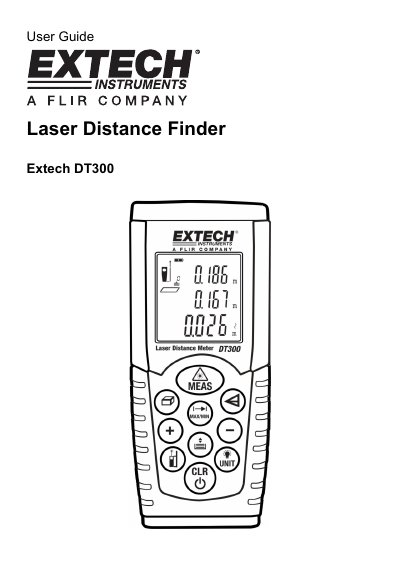
Extech DT300 Laser Distance Finder User Guide
The Extech Model DT300 is a laser distance finder designed to measure distances up to 164 ft (50m) and calculate area and volume. The instrument includes a Class 2 laser pointer for accurate targeting and features an LCD display with icons for various measurement modes.
This manual provides instructions on using the meter for single distance measurements, continuous MIN-MAX tracking, adding or subtracting values, and calculating room dimensions. It also details procedures for indirect height measurements using two or three points.
EXTECH DT300 specifications
| Maximum Measurement Range | 164 ft (50m) |
|---|---|
| Laser Class | Class 2 |
| Maximum Laser Output | 1 mW MAX OUTPUT at 835-670 nm |
| Memory Capacity | 20 readings |
All EXTECH DT300 documents by type
Day-to-day operation, settings and troubleshooting. Start here if the product is already set up.
Questions answered in these manuals
What is the maximum distance this meter can measure?
The Extech DT300 measures distances up to 164 ft or 50m.
Can I store my measurements?
Yes, the meter stores up to twenty readings in memory for later recall.
What is the measurement range of the Extech DT300?
The Extech DT300 measures from 2 inches to 164 feet (0.05 to 50 meters).
How accurate is the Extech DT300 laser distance meter?
It is accurate to ±0.06 inches (±1.5mm) up to 32 feet (10 meters).