
Key facts
- Brand
- EXTECH
- Model
- MA220
- Category
- multimeter
- Industry
- Electronics
- Documents
- 2
- Languages
- ZH · EN
- Last added
- 2026-10-14
Start here
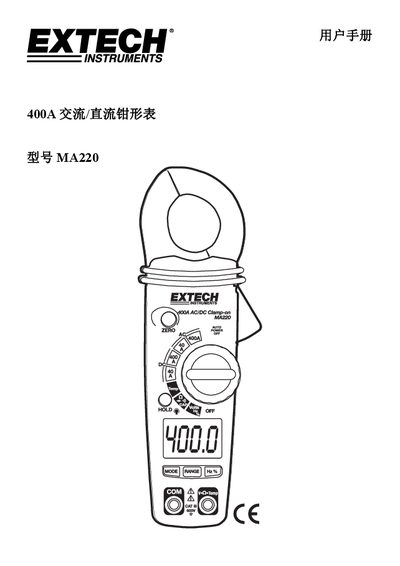
Extech MA220 AC/DC Clamp Meter User Manual
User Manual 8 pages · 337 KB · ZH
The Extech MA220 is a professional AC/DC clamp meter designed to measure current, voltage, resistance, capacitance, frequency, duty cycle, temperature, diode, and continuity. It features a 4000-count LCD display, auto-ranging capability, and a 600V CAT III safety rating for use in fixed installations. This manual is written in Chinese.
Read onlineExtech MA220 specifications
| Current (AC/DC) | 400.0A |
|---|---|
| Voltage (AC/DC) | 600V |
| Frequency | 50.00KHz |
| Temperature Range | -50.0 to 400.0°C |
| Battery | 2 x 1.5V AAA |
| Weight | 200g |
| Safety Rating | CAT III 600V |
All Extech MA220 documents by type
User Manual 2
Day-to-day operation, settings and troubleshooting. Start here if the product is already set up.
Questions answered in these manuals
What is the maximum current measurement range?
The maximum current measurement range is 400.0A.
How do you turn on the backlight?
Press and hold the Hold button for more than 2 seconds.
How do I activate the backlight?
Press and hold the HOLD button for more than 2 seconds to turn the backlight on or off.
What happens if I measure a shorted device?
In diode test mode, a shorted device will indicate near 0V in both polarities.