
Key facts
- Brand
- EXTECH
- Model
- DL160
- Industry
- Industrial
- Documents
- 3
- Languages
- EN
- Last added
- 2023-10-18
Start here
Extech DL160 Datalogger Software Guide
This guide explains how to install and use the software for the Extech DL160 datalogger. It covers setting up the device, downloading data, graphing, and exporting to Excel. The software supports single or dual-channel data logging with configurable sampling rates and auto power-off. Data can be saved as .stdata files or exported as .xls spreadsheets.
Read onlineEXTECH DL160 specifications
| Maximum Data Points (Single Channel) | 262144 |
|---|---|
| Maximum Data Points (Dual Channel) | 131072 |
| System Requirement | Windows 7, 8, and 10 |
| Minimum Hardware | Pentium 90MHz or higher, 32 MB RAM, 7 MB disk space |
All EXTECH DL160 documents by type
Day-to-day operation, settings and troubleshooting. Start here if the product is already set up.
Ratings, dimensions and ordering codes, for selection and design work.
Questions answered in these manuals
How do I install the DL160 software?
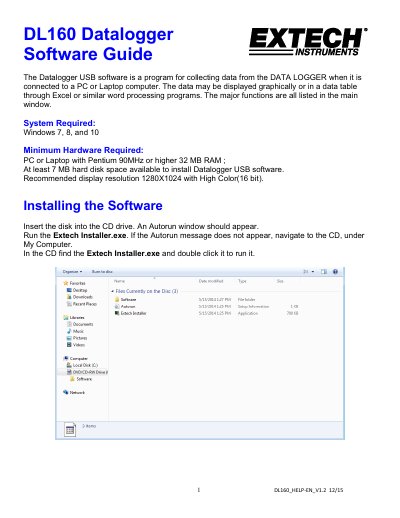
Insert the disk into the CD drive. Run Extech Installer.exe, or navigate to the CD and double-click the installer.
What file formats can I export data to?
Data can be saved as .stdata files or exported as .xls files for use in Excel or other programs.
What is the maximum number of readings this datalogger can store?
The device can log up to 256,000 True RMS Current and Voltage readings.
From: EXTECH DL160 Dual Input True RMS AC Voltage/Current Datalogger Product Datasheet
What is the sampling rate range for this datalogger?
The user can program a sample rate from 1 second to 24 hours.
From: EXTECH DL160 Dual Input True RMS AC Voltage/Current Datalogger Product Datasheet