
Key facts
- Brand
- EXTECH
- Model
- 445815
- Industry
- Industrial
- Documents
- 2
- Languages
- EN
- Last added
- 2026-10-21
Start here
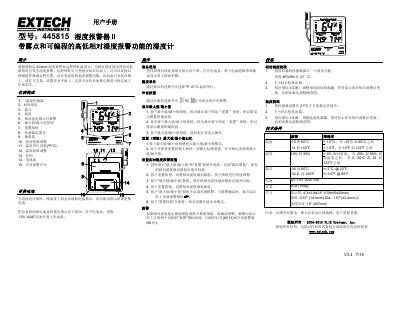
Extech 445815 Humidity Alarm II User Manual
The Extech 445815 Humidity Alarm II is a professional hygrometer designed to measure relative humidity, temperature, and dew point. It features programmable high and low limit alarms that trigger visual flashing lights and audible alerts when conditions exceed set thresholds. The device includes a remote probe suitable for wall mounting or placement on horizontal surfaces.
Read onlineExtech 445815 specifications
| Temperature Range | -10 to 60°C / 14 to 140°F |
|---|---|
| Humidity Range | 10% to 99% |
| Dew Point Range | -36 to 60°C / -32.8 to 140°F |
| Temperature Accuracy | +/- 1.0°C @ -10 to 50°C |
| Humidity Accuracy | +/- 4% RH @ 25 to 85% RH |
| Battery Type | (2) 1.5V 'AAA' cell |
| Weight | 6 oz (169g) |
All Extech 445815 documents by type
Day-to-day operation, settings and troubleshooting. Start here if the product is already set up.
Questions answered in these manuals
What triggers the alarm?
The alarm activates if relative humidity exceeds the high limit or falls below the low limit.
How do I reset the maximum and minimum memory?
Enter Max/Min mode, then press and hold the Reset button for 1 second to clear stored values.
How do I set the humidity alarm limits?
Simultaneously press and hold the MAX/MIN and RESET buttons until 'HI' appears, press RESET to set the limit, then repeat for 'LO'.
What happens when the alarm is triggered?
The alert activates with two flashing 'ALERT' icons, a flashing red light for 60 seconds, and an audible buzzer for 60 seconds.