
Key facts
- Brand
- EXTECH
- Model
- 401025
- Category
- Other
- Industry
- Electronics
- Documents
- 2
- Languages
- ZH · EN
- Last added
- 2026-09-28
Start here
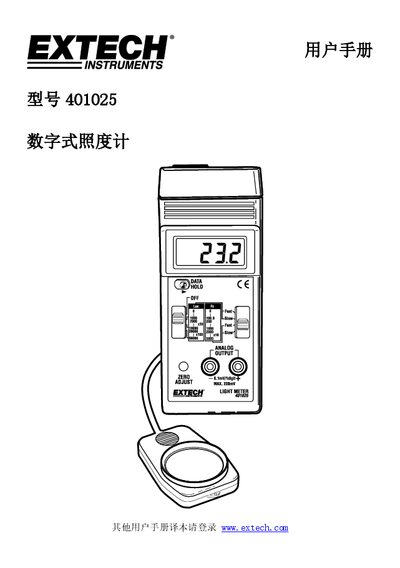
Extech 401025 Digital Lux Meter User Manual
This manual introduces the Extech 401025 digital lux meter, describing its LCD display, data hold switch, power/range switches, analog output, battery compartment, unit and response switches, and light sensor. It also directs users to the Extech website for the latest guides and support.
The guide covers how to operate the meter in Lux or foot‑candle units, select appropriate measurement ranges, perform zero adjustments, use the analog output for data logging, apply illumination‑type correction factors, replace the 9 V battery, and understand the detailed specifications and typical brightness levels provided in the appendices. This manual is written in Chinese.
Extech 401025 specifications
| Display | 13 mm (0.5") LCD |
|---|---|
| Lux Measurement Range | 0 – 50,000 Lux |
| Foot‑candle Measurement Range | 0 – 5,000 Fc |
| Power Source | 9 V DC battery |
| Weight | 220 g (0.52 lb) |
All Extech 401025 documents by type
Day-to-day operation, settings and troubleshooting. Start here if the product is already set up.
Questions answered in these manuals
How do I hold a measurement on the display?
Slide the "Data Hold Switch" to the "hold" position to freeze the reading.
What should I do if the display shows "I"?
An "I" indicates an Over Range; switch to a higher range.