
Key facts
- Brand
- EXTECH
- Model
- SDL300
- Industry
- Industrial
- Documents
- 2
- Languages
- EN
- Last added
- 2012-08-01
Start here
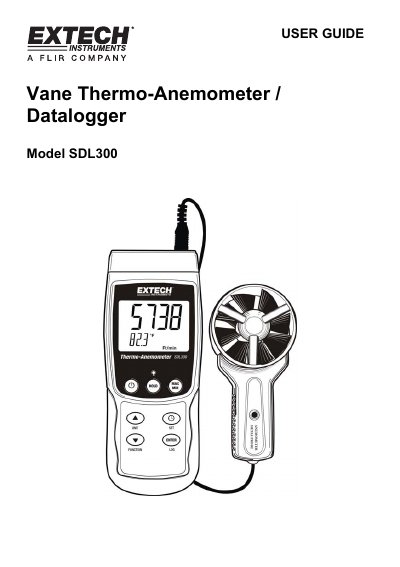
Extech SDL300 Vane Thermo-Anemometer Datalogger User Guide
This user guide provides instructions for the Extech SDL300 Vane Thermo-Anemometer Datalogger, a device designed to measure and store air velocity and temperature. The instrument supports two operation modes: Air Velocity plus Temperature using a vane probe, and Type K or J thermocouple temperature mode. Data can be stored on an SD card or streamed to a PC via an RS232 port.
Read onlineEXTECH SDL300 specifications
| Compatible SD Card Sizes | 1G to 16G |
|---|---|
| Thermocouple Types | Type K or J |
| Power Source | six (6) 1.5V 'AA' batteries |
Source: Extech SDL300 Vane Thermo-Anemometer Datalogger User Guide
All EXTECH SDL300 documents by type
Day-to-day operation, settings and troubleshooting. Start here if the product is already set up.
Questions answered in these manuals
How do I switch between Air Velocity and Thermocouple modes?
Press and hold the FUNCTION key for at least 1.5 seconds to switch from one mode to the other.
From: Extech SDL300 Vane Thermo-Anemometer Datalogger User Guide
How do I freeze a measurement on the display?
Press the HOLD key momentarily to freeze the reading and switch on the HOLD display icon.
From: Extech SDL300 Vane Thermo-Anemometer Datalogger User Guide
What is the maximum air velocity the SDL300 can measure?
The SDL300 can measure air velocity up to 6900 ft/min.
What thermocouple types are supported by the SDL300?
The device supports Type K and Type J thermocouple inputs.