
Key facts
- Brand
- Philips
- Model
- TAPR802
- Category
- Home Speakers
- Documents
- 2
- Languages
- ZH · EN
- Last added
- 2023-10-30
Start here
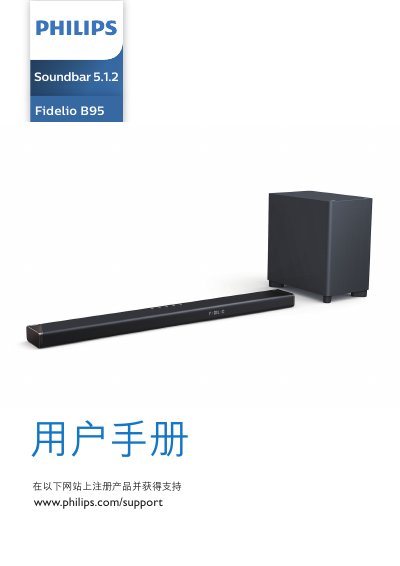
Philips TAPR802 Fidelio B95 5.1.2 Soundbar User Manual
This user manual is for the Philips TAPR802 Fidelio B95 5.1.2 soundbar. It contains safety instructions, package contents, a product overview, connection and setup steps, operating instructions, settings, wall mounting guidance, specifications, and troubleshooting.
The soundbar connects to TVs and devices through HDMI eARC/ARC, optical, AUX, HDMI IN, USB, Bluetooth, and Wi-Fi. It includes a wireless subwoofer and supports Dolby Atmos, with a remote control for volume, source selection, surround modes, and audio settings. This manual is written in Chinese.
Philips TAPR802 specifications
| Ventilation clearance | At least 4 inches |
|---|---|
| Subwoofer distance from main unit | At least 1 meter (3 feet) |
| Subwoofer distance from wall | 10 cm (4 inches) |
| Altitude limit | Below 2000 meters |
| HDMI version | HDMI 2.1 with eARC |
Source: Philips TAPR802 Fidelio B95 5.1.2 Soundbar User Manual
All Philips TAPR802 documents by type
Day-to-day operation, settings and troubleshooting. Start here if the product is already set up.
Questions answered in these manuals
How do I connect the soundbar to a TV?
Use a high-speed HDMI cable to connect HDMI OUT (eARC/ARC) to the TV's HDMI ARC port and turn on HDMI-CEC on the TV.
From: Philips TAPR802 Fidelio B95 5.1.2 Soundbar User Manual
How can I update the soundbar software?
Update the software using a USB device or over Wi-Fi.
From: Philips TAPR802 Fidelio B95 5.1.2 Soundbar User Manual
What happens if the surge protector’s indicator light turns off?
The surge protector has exceeded its surge protection capacity and will no longer provide protection.
From: Philips TAPR802 SPN7040/7041 SPN7060/7061 SPN7080/7081 Surge Protector User Manual
Can I use extension cords with this surge protector?
No, using extension cords voids all Philips warranties.
From: Philips TAPR802 SPN7040/7041 SPN7060/7061 SPN7080/7081 Surge Protector User Manual