
This manual introduces the use of Philips Fidelio B95 5.1.2 Soundbar. Including the contents of the product package, interface, placement, connection, use, settings, software update, wall hanging, specifications, troubleshooting, etc.
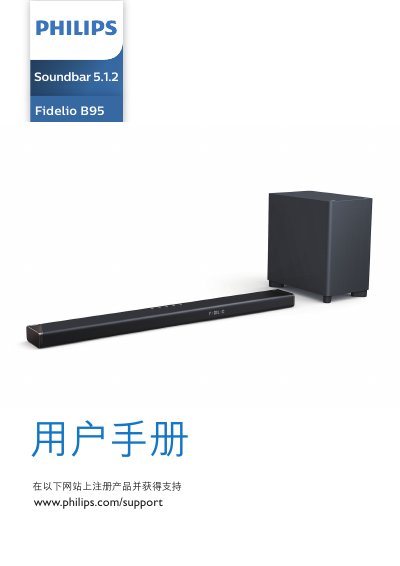
This user manual is for the Philips TAPR802 Fidelio B95 5.1.2 soundbar. It contains safety instructions, package contents, a product overview, connection and setup steps, operating instructions, settings, wall mounting guidance, specifications, and troubleshooting.
The soundbar connects to TVs and devices through HDMI eARC/ARC, optical, AUX, HDMI IN, USB, Bluetooth, and Wi-Fi. It includes a wireless subwoofer and supports Dolby Atmos, with a remote control for volume, source selection, surround modes, and audio settings. This manual is written in Chinese.
| Ventilation clearance | At least 4 inches |
|---|---|
| Subwoofer distance from main unit | At least 1 meter (3 feet) |
| Subwoofer distance from wall | 10 cm (4 inches) |
| Altitude limit | Below 2000 meters |
| HDMI version | HDMI 2.1 with eARC |
Use a high-speed HDMI cable to connect HDMI OUT (eARC/ARC) to the TV's HDMI ARC port and turn on HDMI-CEC on the TV.
Update the software using a USB device or over Wi-Fi.
The remote control uses AAA batteries.