
This manual covers setup, operation, recording, and troubleshooting for Philips MP3/WMA music players including models SA1100 through SA1115.
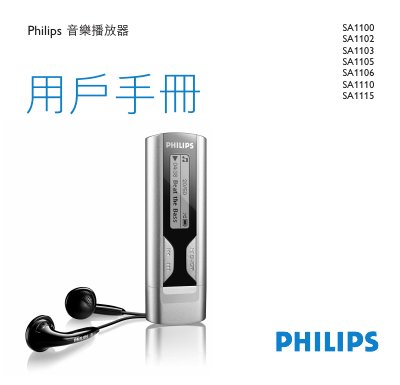
This user manual provides instructions for the Philips SA1100 series of music players. It details how to install drivers, connect via USB, manage files on a computer, and operate the device's controls. The guide explains features such as playing MP3 and WMA files, voice recording, and various playback modes including shuffle and repeat. This manual is written in Chinese.
| Supported Audio Formats | MP3 and WMA music |
|---|---|
| Display Feature | Dynamic display menu, options and track info |
No, the player does not support WMA songs purchased from the internet or protected by digital rights management.
Recordings can only be deleted on a computer by connecting the player and deleting files in the Voice folder.