
Key facts
- Brand
- Philips
- Model
- MP3-CD
- Category
- MP3 Player
- Industry
- Electronics
- Documents
- 11
- Languages
- ES · EN · ZH
- Last added
- 2012-03-27
Start here
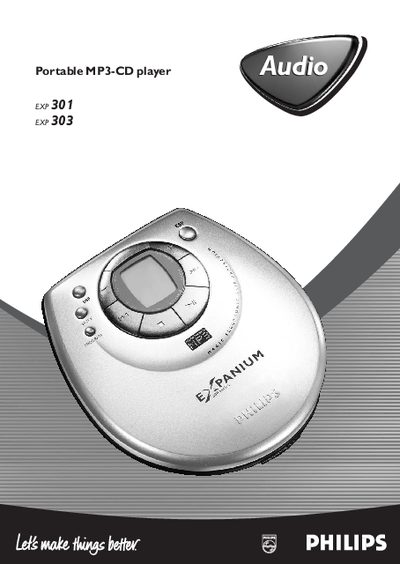
Philips EXP 301/303 Portable MP3-CD Player Quick Start Guide
The Philips EXP 301/303 is a portable MP3‑CD player that supports MP3, AAC and standard audio CDs. It can be powered from an AC adapter or a 4.5 V DC external supply and includes accessories such as a belt clip and in‑car adapter.
This guide provides a quick start procedure, explains the control layout, basic playback functions, programming features, and a troubleshooting section for common issues like skipped tracks or power problems. This manual is written in Spanish.
Philips MP3-CD specifications
| Laser Class | Class 1 |
|---|---|
| Battery Type | Six 1.5 V R‑14, UM‑2 or C‑type alkaline batteries |
| Power Input | AC mains (plug) |
| Headphone Jack | 3.5 mm stereo |
| Maximum Playlist Length | 20 tracks (CD) / 10 tracks (MP3‑CD) |
All Philips MP3-CD documents by type
Day-to-day operation, settings and troubleshooting. Start here if the product is already set up.
- Philips AZ1150/AZ1155 MP3‑CD Soundmachine User Manual 17 p
- Philips AZ1226 MP3-CD Soundmachine User Manual 6 p
- Philips AZ1830 MP3-CD Soundmachine User Manual 6 p
- PHILIPS AZ1856 MP3-CD Soundmachine user manual 18 p
- philips AX6301/01-Chi-916 Portable VCD MP3-CD Player Manual 1 p
- PHILIPS AZ514 VCD MP3-CD Sound Manual
- Philips AZ1226 MP3-CD Soundmachine User Manual 5 p
- Philips AZ1303 MP3-CD Soundmachine User Manual 6 p
- Philips AZ1037 MP3-CD Soundmachine User Manual 6 p
- Philips FWM139 MP3-CD Mini Hi-Fi System User Manual 19 p
The shortest path to a working setup, usually only a few pages.
Questions answered in these manuals
How do I replace the fuse in the mains plug?
Use a BS1362 5 Amp fuse (or an equivalent approved type) and follow the three‑step replacement procedure.
What batteries can be used in the AZ1226?
The device uses six 1.5 V alkaline batteries: R‑14, UM‑2 or C‑type.
How many tracks can I store in a playlist?
You can store up to 20 tracks for CD playback or up to 10 tracks for MP3‑CD playback.
How do I start playback from CD or USB?
Select the CD/USB source and press the 2; key to begin playback.
How can I program a track sequence?
Press the PROG key to enter programming mode, choose track numbers with the ∞ or § keys, and store each selection by pressing PROG again.
How do I replace the remote‑control battery?
Open the remote, remove the old CR2025 battery and insert a new one, then close the battery compartment.