
This manual introduces the operation of Philips AZ1830 MP3-CD Soundmachine. The product supports CD, MP3 CD and USB playback, and also has a radio function.
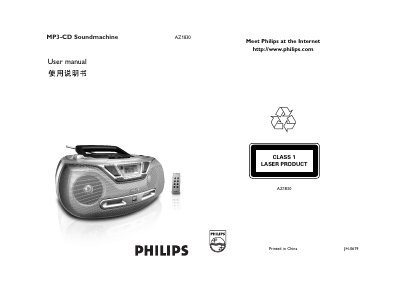
The AZ1830 MP3‑CD Soundmachine offers CD/USB, tuner and off source selection, volume control, track programming, and playback mode selection (repeat, shuffle, etc.). The front panel includes a display, infrared remote receiver, and a USB mass‑storage connector for playing audio files from compatible USB devices.
Power can be supplied from an AC mains adapter or six CR2025 lithium batteries. The manual details battery installation, safety precautions, USB file‑system support, audio format compatibility, and troubleshooting steps for common issues such as no sound, playback stops, or USB overload. This manual is written in Chinese.
| Battery type | CR2025 lithium |
|---|---|
| Maximum audio files on USB | 800 |
| Maximum track sets on USB | 99 |
| Supported MP3 bitrate | 32‑320 kbps |
| Supported USB file systems | FAT12, FAT16, FAT32 |
Select the CD/USB source and press the 2; key to begin playback.
Press the PROG key to enter programming mode, choose track numbers with the ∞ or § keys, and store each selection by pressing PROG again.
Press the MODE key repeatedly to cycle through REPEAT, SHUFFLE, and other modes.
Connect the AC~ MAINS power cord to the device’s AC power socket.