
This manual describes how to use the Philips CD USB Recorder.
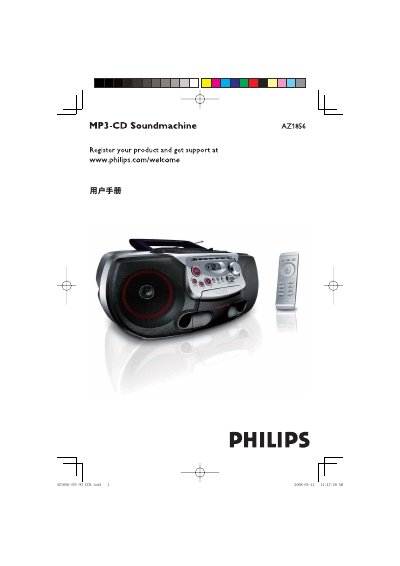
This user manual provides step‑by‑step instructions for operating the Philips AZ1856 CD/USB player. It covers power connection, battery installation, remote‑control usage, and how to select and control the various sound sources such as CD/MP3‑CD, USB, FM radio and tape.
The guide also details CD and USB playback, tape recording, MP3‑CD programming, safety warnings, and a troubleshooting section that helps resolve common issues like no sound, power problems, or USB incompatibility. This manual is written in Chinese.
| Supported disc types | CD‑R, CD‑RW, MP3‑CD, WMA |
|---|---|
| Battery type | 6 × R‑14, UM2 or button cells |
| Headphone jack | 3.5 mm stereo |
| Maximum albums on MP3‑CD | 500 albums (up to 1000 files) |
| USB storage compatibility | USB MSD devices (flash drives, memory sticks) |
Open the remote, remove the old CR2025 battery and insert a new one, then close the battery compartment.
No, the player does not support DRM‑protected WMA discs or files.