
Key facts
- Brand
- Philips
- Model
- MCD305
- Category
- Hi-Fi
- Industry
- Appliances
- Documents
- 2
- Languages
- ZH · EN
- Last added
- 2012-03-27
Start here
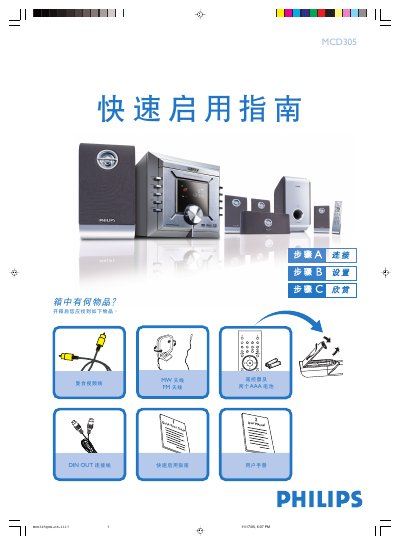
Philips MCD305 Quick Start Guide
This guide walks you through the first steps after unboxing the Philips MCD305 DVD player. It shows how to connect the supplied speakers, DIN‑OUT cable, MW and FM antennas, composite video cable, and power cord, and how to select the correct video input on your TV.
It also explains how to set the clock, adjust DVD menu options, play a disc, and program radio stations. For detailed instructions on progressive‑scan TV connections or additional features, refer to the full user manual. This manual is written in Chinese.
Philips MCD305 specifications
| Video Input Types | Component Video, Composite (CVBS), S‑Video |
|---|---|
| Component Video Input | Supported |
| S‑Video Input | Supported |
| Audio Decoding Formats | Dolby Digital, DTS, HDCD |
| Aspect Ratio Setting | 4:3, 16:9 selectable |
| Bit Rate Display | Shown during playback |
| Parental Control | Enabled/disabled via menu |
| Region Code | Configurable |
All Philips MCD305 documents by type
Day-to-day operation, settings and troubleshooting. Start here if the product is already set up.
The shortest path to a working setup, usually only a few pages.
Questions answered in these manuals
What type of batteries does the remote control require?
The remote uses two AAA batteries.
What video input connections does the MCD305 support?
It accepts Component Video, Composite (CVBS) and S‑Video inputs.
Which audio decoding formats are available on the MCD305?
The unit can decode Dolby Digital, DTS and HDCD audio streams.