
Key facts
Start here
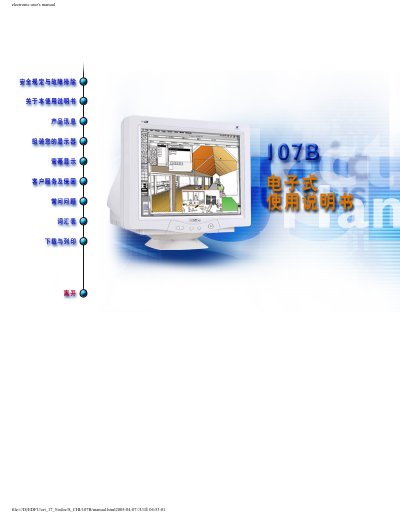
Philips 107B Color Display Electronic User's Manual
This manual provides safety guidelines, troubleshooting steps and basic operating instructions for the Philips 107B color display. It includes product information such as voltage requirements, dimensions and display resolution.
The document also explains how to complete the Philips warranty registration card within ten days of purchase, and lists consumer information centre contacts for support in Thailand, Morocco, South Africa and the Middle East. This manual is written in Chinese.
Philips 107B specifications
| Input Voltage | 100-240 VAC, 60-50Hz |
|---|---|
| Dimensions (W x H x D) | 15.6 x 15.1 x 16.7 cm |
| Display Resolution | 1280 x 1024 |
All Philips 107B documents by type
Day-to-day operation, settings and troubleshooting. Start here if the product is already set up.
Questions answered in these manuals
How do I register the warranty for my Philips 107B display?
Complete the Warranty Registration Card and mail it within ten days of purchase.
What voltage does the Philips 107B display require?
It operates on 100‑240 VAC at 50‑60 Hz.
How many windows can LightFrame™ 3 enhance at the same time?
LightFrame™ 3 can enhance up to eight windows simultaneously.
What is the recommended display area of the monitor?
The recommended display area is 12.0" × 9.0" (306 × 230 mm).
How do I turn the monitor on?
Press the power button on the front of the monitor.
What power‑saving modes does the monitor support?
If the connected PC follows the VESA DPMS standard, the monitor can automatically enter On, Standby, or Off modes with reduced power consumption.