
Key facts
- Brand
- Philips
- Model
- MCD122
- Category
- Hi-Fi
- Industry
- Appliances
- Documents
- 6
- Languages
- ZH · EN
- Last added
- 2012-03-27
Start here
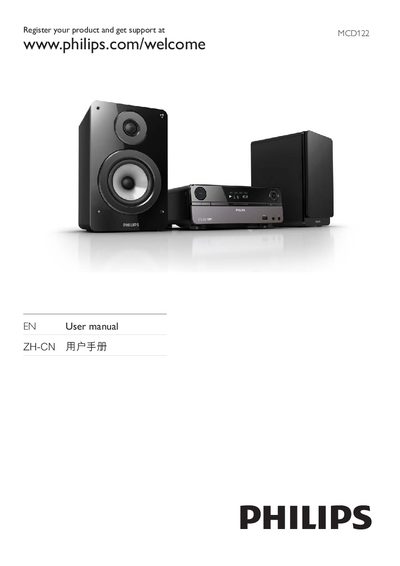
Philips MCD122 User Manual
This manual explains how to register the Philips MCD122 DVD player, access support, and understand safety precautions. It includes a registration notice and a warning not to remove the back cover, directing service to qualified personnel.\n\nThe guide lists supported media formats, laser class, and a parts list, and provides environmental and compliance information for the device.
Read onlineAll Philips MCD122 documents by type
Day-to-day operation, settings and troubleshooting. Start here if the product is already set up.
Questions answered in these manuals
How do I register my Philips MCD122?
Visit the registration page at www.philips.com/welcomeMCD122 to register the product and get support.
What video input options are available on the MCD122?
The MCD122 supports TV, Component, and S‑Video inputs.
How do I replace the remote control battery?
Insert the battery with its polarities (+/– signs) aligned as indicated, then replace the battery if needed.
What should I do if a disc does not play?
Make sure a readable disc is inserted with the label side up, check the disc type, color system, regional code, and ensure the disc is not scratched or smudged.