
This manual explains how to operate the MCD305 DVD Micro Theatre 2.
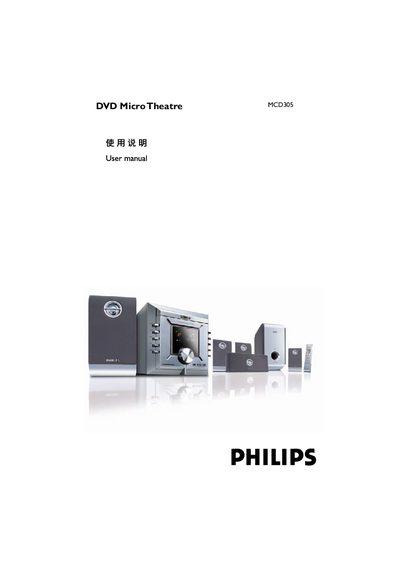
This manual covers the basic installation and operation of the Philips MCD305 DVD Micro Theatre. It describes the available video inputs – Component Video, Composite (CVBS) and S‑Video – and the supported audio decoding formats such as Dolby Digital, DTS and HDCD.
The guide also details playback settings, including aspect‑ratio selection, bit‑rate display, parental‑control options and region‑code configuration, as well as the various output connections for video and digital audio.
| Video Input Types | Component Video, Composite (CVBS), S‑Video |
|---|---|
| Component Video Input | Supported |
| S‑Video Input | Supported |
| Audio Decoding Formats | Dolby Digital, DTS, HDCD |
| Aspect Ratio Setting | 4:3, 16:9 selectable |
| Bit Rate Display | Shown during playback |
| Parental Control | Enabled/disabled via menu |
| Region Code | Configurable |
It accepts Component Video, Composite (CVBS) and S‑Video inputs.
The unit can decode Dolby Digital, DTS and HDCD audio streams.
Use the Aspect Ratio setting in the menu to select 4:3 or 16:9.
Yes, parental control can be turned on or off via the menu.