
Key facts
Start here
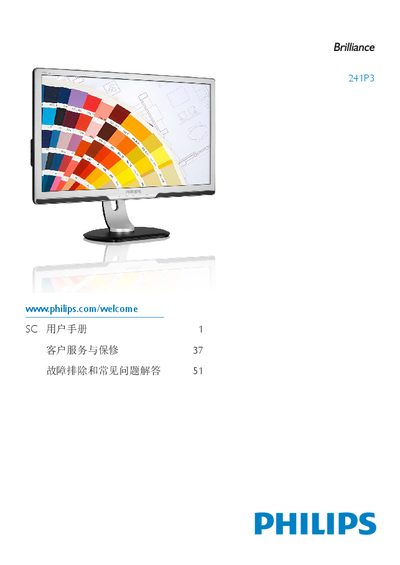
Philips 241P3 Monitor User Manual
This manual covers safety instructions, product information, and material details for the Philips 241P3 monitor. It explains how to install the unit, connect cables, and mount it using VESA‑compatible brackets.
Operating instructions describe the on‑screen display (OSD) menu, SmartControl Premium features, and how to adjust color temperature, sRGB, and other picture settings. Technical specifications, compatibility with PCs, Macs and various operating systems, and recycling guidelines are also included.
Philips 241P3 specifications
| Panel Size | 24 inch / 61 cm |
|---|---|
| Aspect Ratio | 16:9 |
| Resolution | 1920 x 1080 @ 60 Hz |
| Response Time | 5 ms |
| Brightness | 250 cd/m² |
| Contrast Ratio | 1000:1 (typ.) |
| SmartContrast | 20,000,000:1 |
| Pixel Pitch | 0.276 mm × 0.276 mm |
| Viewing Angle | 170° (H) / 160° (V) |
| Backlight Type | W‑LED system |
| Height Adjustment | 130 mm |
| Power – ECO Mode | 14 W (typ.) |
| Power – On Mode | 18.9 W |
| Power – Standby Mode | 0.5 W |
| Dimensions (with stand) | 570 × 507 × 220 mm |
| Weight (with stand) | 6.7 kg |
All Philips 241P3 documents by type
Day-to-day operation, settings and troubleshooting. Start here if the product is already set up.
Questions answered in these manuals
What video input ports are available on the Philips 241P3LYES monitor?
The monitor provides VGA (analogue), DVI‑D (digital with HDCP) and DisplayPort inputs.
Does the monitor have a USB port and what can it be used for?
Yes, it includes a USB 2.0 port for connecting peripherals such as memory sticks, cameras, or printers.