
Key facts
- Brand
- Philips
- Model
- MCD183
- Category
- Hi-Fi
- Industry
- Appliances
- Documents
- 5
- Languages
- EN
- Last added
- 2012-03-27
Start here
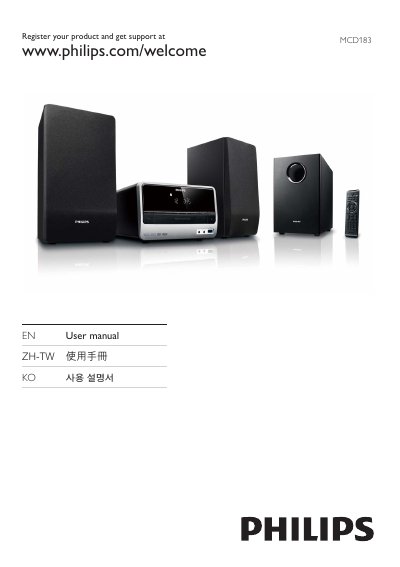
Philips MCD183 DVD Micro Theater User Manual
This manual covers the Philips MCD183 DVD Micro Theater, a compact DVD player with built‑in speakers, subwoofer, FM radio, and USB playback. It introduces the contents of the box, safety guidelines, and the main unit and remote control layout.
Key sections guide you through connecting the unit to power, TV, speakers, and antenna, configuring audio and video settings, using disc, USB and radio functions, adjusting sound effects, and troubleshooting common issues such as power loss, disc playback problems, and remote control operation.
Philips MCD183 specifications
| Supported disc formats | DVD, DVD+R, DVD+RW, DVD‑R, DVD‑RW, DVD+R DL, DVD‑R DL, VCD, SVCD |
|---|---|
| FM radio tuner | FM band with automatic and manual station programming |
| Speaker configuration | 2 speakers plus subwoofer |
All Philips MCD183 documents by type
Day-to-day operation, settings and troubleshooting. Start here if the product is already set up.
Questions answered in these manuals
Where can I register my Philips MCD183?
You can register your product at www.philips.com/welcome.
Where can I download or print the user manual?
The user manual can be printed from www.philips.com/support.
How do I set up the Philips MCD183 for first use?
Connect the speakers and subwoofer, attach the FM antenna, connect the TV video cables, plug in the power cord, then turn the unit on and follow the on‑screen prompts.
How can I adjust the volume safely to protect my hearing?
Start with a low volume, increase gradually until you can hear clearly without distortion, and avoid prolonged listening at high levels.