
This is a user manual for a DVD player, which introduces how to connect, set up and play discs as well as listen to the radio
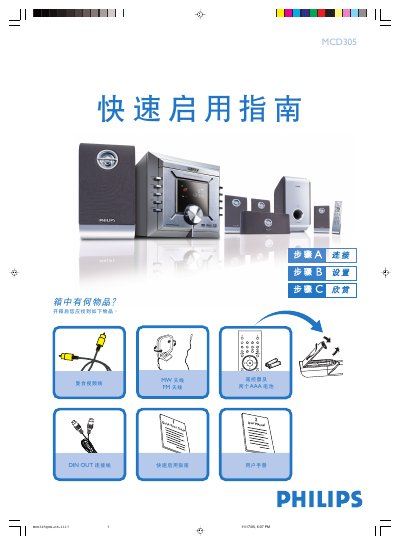
This guide walks you through the first steps after unboxing the Philips MCD305 DVD player. It shows how to connect the supplied speakers, DIN‑OUT cable, MW and FM antennas, composite video cable, and power cord, and how to select the correct video input on your TV.
It also explains how to set the clock, adjust DVD menu options, play a disc, and program radio stations. For detailed instructions on progressive‑scan TV connections or additional features, refer to the full user manual. This manual is written in Chinese.
| Remote control power | Two AAA batteries |
|---|---|
| Power supply | AC mains |
The remote uses two AAA batteries.