
Key facts
- Brand
- Philips
- Model
- MCD289
- Category
- Hi-Fi
- Industry
- Appliances
- Documents
- 3
- Languages
- EN
- Last added
- 2012-03-27
Start here
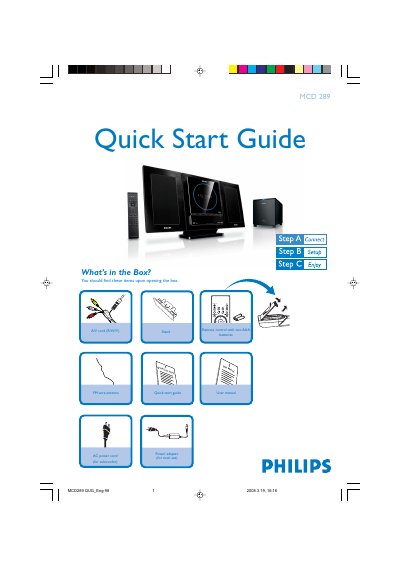
Philips MCD289 Quick Start Guide
The guide begins with a list of items included in the box, such as the remote control, A/V cord, FM antenna, power adapters and the user manual. It then walks the user through connecting the speaker cables, FM antenna, A/V cord to a TV, and powering both the main unit and subwoofer.\n\nFurther sections explain how to set the clock, adjust DVD menu options, play discs, program radio stations and use USB or memory‑card playback. Tips reference the full user manual for advanced TV connections, progressive‑scan settings and additional features.
Read onlinePhilips MCD289 specifications
| Power adapter input voltage | 110‑240 V ~ 50/60 Hz |
|---|---|
| Power adapter output voltage | 24 V 1.9 A |
| Supported MP3 sampling frequencies | 32 kHz, 44.1 kHz, 48 kHz |
| Supported MP3 bit‑rates | 32, 64, 96, 128, 192, 256 kbps |
All Philips MCD289 documents by type
Day-to-day operation, settings and troubleshooting. Start here if the product is already set up.
The shortest path to a working setup, usually only a few pages.
Questions answered in these manuals
How do I play a disc in the MCD289?
Insert the disc with the label side facing you, ensure no other disc is in the slot, and playback will start automatically; press the stop button if needed.
How can I program radio stations on the MCD289?
Press PROGRAM for more than two seconds to automatically program all available stations, then use PRESET to select a desired station.
How can I register my Philips MCD289 DVD Micro Theatre?
Visit www.philips.com/welcome and follow the registration instructions provided in the guide.
How do I register the Philips MCD289 DVD Micro Theatre?
Visit the registration page at www.philips.com/welcome and follow the on‑screen instructions.
What should I check if the unit has no power?
Ensure the AC power cord is correctly connected to the wall outlet and that the power switch is set to the proper voltage for your region.