
Key facts
- Brand
- Philips
- Model
- IRT8097
- Industry
- Industrial
- Documents
- 2
- Languages
- EN
- Last added
- 2012-05-02
Start here
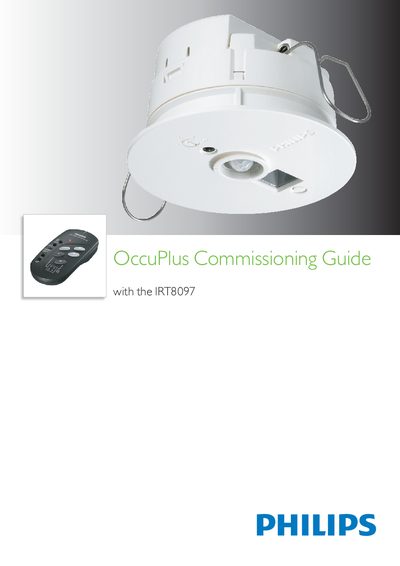
Philips IRT8097 OccuPlus Commissioning Guide
This guide explains how to commission the Philips IRT8097 OccuPlus sensor, including calibration, test mode, and binding of switches. It details the required button presses, LED indications, and safety notes for successful installation.
The document walks through the commissioning sequence: short press of the front button, holding until LEDs flash rapidly, selecting the desired switch, and confirming the binding. It also covers aborting the process, resetting counters, and performing night‑time calibration.
Philips IRT8097 specifications
| Burn time without dimming | 100 hours |
|---|---|
| MD timer | 30 sec (fixed) |
| LED status (normal operation) | constant green |
All Philips IRT8097 documents by type
Day-to-day operation, settings and troubleshooting. Start here if the product is already set up.
Mounting, wiring and first power-up. Read it before the hardware goes in.
Questions answered in these manuals
How do you start the commissioning process?
Press the front button of the OccuPlus shortly, then hold it down until the green and red LEDs start flashing rapidly.
How can you abort the commissioning?
Press the DALI button to abort the commissioning process.