
Key facts
- Brand
- Philips
- Model
- I05S7
- Documents
- 2
- Languages
- EN · ZH
- Last added
- 2011-09-25
Start here
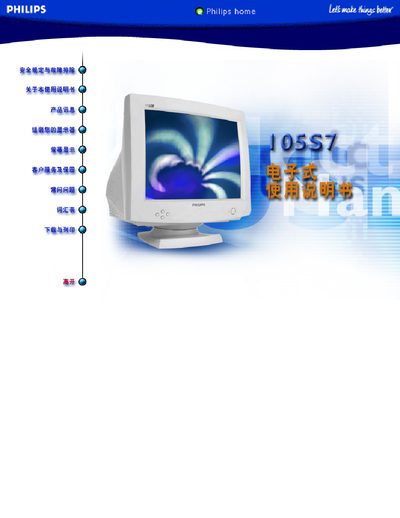
Philips I05S7 Monitor User Manual
This manual contains safety instructions, FCC and international compliance notices, and guidance on preventing radio‑frequency interference when using the Philips I05S7 monitor. It also specifies the required RF‑shielded cable for connecting the monitor to a computer.
A list of consumer information centers worldwide is provided, giving phone numbers and email addresses for Philips service locations in the Americas, Europe, Asia, and the Middle East.
All Philips I05S7 documents by type
Day-to-day operation, settings and troubleshooting. Start here if the product is already set up.
Questions answered in these manuals
What should I do if the monitor causes radio‑frequency interference?
Reorient or relocate the receiving antenna, increase the separation between the equipment and the receiver, connect the equipment to a different circuit, or consult the dealer or a qualified technician.
What type of cable must be used to connect the monitor to a computer?
Only the RF‑shielded cable supplied with the monitor should be used for the connection.
What should I check if the monitor shows no image?
Verify that the power cord is plugged in, the power button is on, and the monitor is properly connected to the computer.
How can I reduce magnetic interference on the display?
Demagnetize the screen and remove any nearby magnetic objects.