
Key facts
- Brand
- Philips
- Model
- DVP4320
- Category
- Video Player
- Industry
- Electronics
- Documents
- 2
- Languages
- ZH
- Last added
- 2012-03-26
Start here
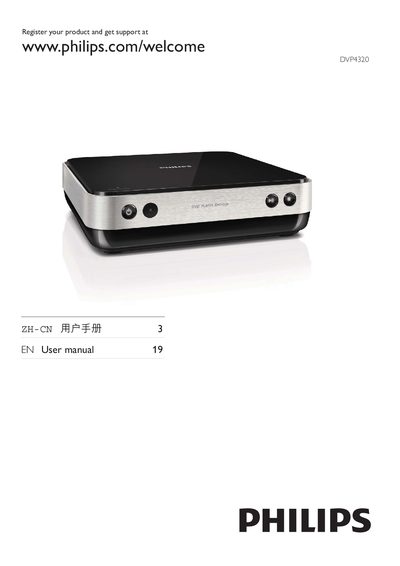
Philips DVP4320 DVD Player User Manual
This manual explains how to register the Philips DVP4320 DVD player, configure the EasyLink HDMI features, and select the preferred language and display settings. It covers basic operations such as opening the tray, inserting discs, and using the remote control.
Detailed sections describe disc compatibility (DVD, VCD, SVCD), USB media playback (MP3, WMA, JPEG, DivX), HDMI output with CEC, subtitle options, and various standby and timer functions. A language code list is included for multilingual menu selection. This manual is written in Chinese.
Philips DVP4320 specifications
| USB audio/video formats | MP3, WMA, JPEG, DivX |
|---|---|
| HDMI CEC support | Enabled |
| Subtitle support | Available |
| On‑screen display language options | Multiple languages (e.g., English) |
All Philips DVP4320 documents by type
Day-to-day operation, settings and troubleshooting. Start here if the product is already set up.
Questions answered in these manuals
How do I open the DVD tray?
Press the "Push to Open" button on the front panel.
How can I change the on‑screen display language?
Use the OSD Language menu to select the desired language.