
This manual introduces how to upgrade Philips DVD recorders firmware, including supported models, upgrade steps and precautions.
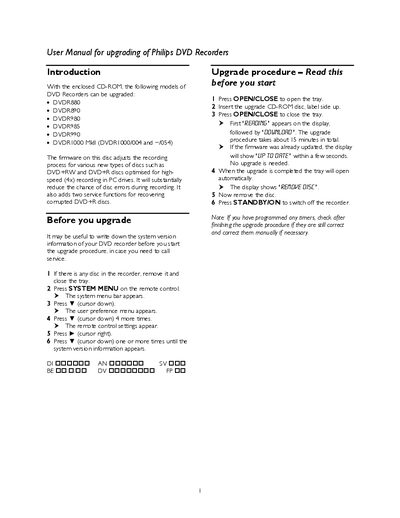
The manual provides step‑by‑step instructions for upgrading the firmware of several Philips DVD Recorder models using the supplied CD‑ROM. It describes how to access the system menu, start the upgrade process, and verify completion, as well as notes on checking timer settings after the upgrade.
Additional sections cover new functions such as DVD+R disc recovery and forced finalisation, troubleshooting tips for common error messages, and a list of Philips Customer Care Center phone numbers for further assistance.
| Supported DVD Recorder models | DVDR880, DVDR890, DVDR980, DVDR985, DVDR990 |
|---|---|
| Upgrade media | CD‑ROM |
Insert the upgrade CD‑ROM, close the tray, and the display will show “REAGING” followed by “GGUNLGAD”; the upgrade takes about 5 minutes.
It attempts to retrieve the contents of an unfinalised DVD+R disc when the message “Disc contains unknown data” appears.
No upgrade is needed because the recorder already has a newer firmware version.