
Key facts
- Brand
- Philips
- Model
- PET944
- Category
- Video Player
- Industry
- Electronics
- Documents
- 3
- Languages
- ZH
- Last added
- 2012-03-27
Start here
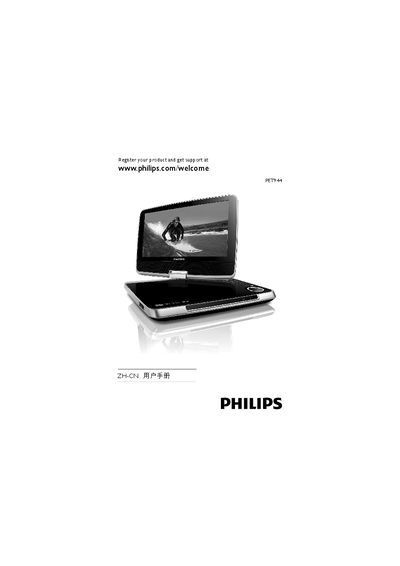
Philips PET944 Portable DVD Player User Manual
This manual introduces the Philips PET944 portable DVD player, its packaging contents, main unit, and remote control. It guides you through battery charging, connecting accessories, and using the player to play DVDs, CDs, VCDs, MP3s and files from an SD card.
Safety warnings, power‑on procedures, menu navigation, audio‑video settings, and a detailed troubleshooting section are included to help you operate the device safely and resolve common issues. This manual is written in Chinese.
Philips PET944 specifications
| LCD resolution | 800×480 pixels |
|---|---|
| LCD type | LCD TFT |
| Brightness | 200 cd/m² |
| Contrast ratio | 250:1 |
| Screen swivel | 180° |
| Audio output power | 600 mV RMS |
| Headphone output power | 5 mV RMS |
| Signal‑to‑noise ratio | >80 dB (earphone), >62 dB (internal) |
| Battery playback time | 6 hours |
| DC input | 9 V / 1.5 A |
| Dimensions (W×H×D) | 238 mm × 32 mm × 175 mm |
| Weight | 1.2 kg |
| Supported disc formats | DVD, CD, VCD, SVCD, DVD+R, DVD+RW, CD‑R, CD‑RW, MP3‑CD, WMA |
All Philips PET944 documents by type
Day-to-day operation, settings and troubleshooting. Start here if the product is already set up.
Questions answered in these manuals
What disc and audio formats does the Philips PET944 support?
It supports DVD, CD, VCD, SVCD, DVD+R, DVD+RW, CD‑R, CD‑RW, MP3‑CD and WMA formats.
How long can the PET944 play on its battery?
The device provides up to 6 hours of continuous playback on battery power.
Why does the player not turn on?
Check that both plugs of the power cable are correctly connected, the AC outlet is supplying power, and the built‑in battery is not depleted.
How can I connect the player to a TV?
Use the AV cable, connect it to the AV OUT jack, and select the appropriate video output format (PAL or NTSC) on the player.