
Key facts
- Brand
- Philips
- Model
- DVP5990
- Category
- Video Player
- Industry
- Electronics
- Documents
- 2
- Languages
- EN
- Last added
- 2012-05-03
Start here
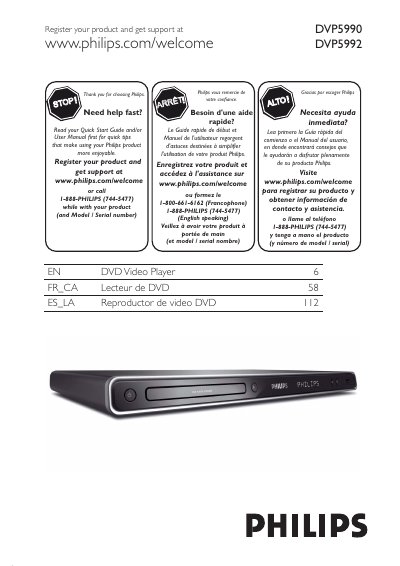
Philips DVP5990/DVP5992 DVD Video Player User Manual
This manual guides owners of the Philips DVP5990/DVP5992 DVD video player through registration, safety warnings, and basic information about the unit. It includes warranty details, recycling instructions, and a quick start guide to help you begin using the player safely.
The document covers connection options (composite, component, HDMI, RF), remote‑control functions, disc‑playback features, menu navigation, and troubleshooting. A full specifications table lists video, audio, power, and physical dimensions of the player.
Philips DVP5990 specifications
| TV Standard | PAL/50 Hz, NTSC/60 Hz |
|---|---|
| Number of lines | 625 (PAL), 525 (NTSC) |
| Video DAC | 12 bit, 108 MHz |
| Video Output | 1 Vpp ≈ 75 Ω |
| Audio Format | Digital MPEG / AC‑3 / PCM (16‑24 bit) |
| Power consumption | < 12 W (operating), < 1 W (standby) |
| Dimensions (W × H × D) | 435 mm × 35 mm × 209 mm |
| Weight | ≈ 1.4 kg |
| Laser type | InGaAlP (DVD) / GaAs (CD) |
Source: Philips DVP5990/DVP5992 DVD Video Player User Manual
All Philips DVP5990 documents by type
Day-to-day operation, settings and troubleshooting. Start here if the product is already set up.
Questions answered in these manuals
How can I register my Philips DVD player for warranty?
You can register online at www.philips.com/welcome or return the enclosed Product Registration Card.
What type of laser does the DVP5990/DVP5992 use?
It uses a semiconductor InGaAlP laser for DVD playback and a GaAs laser for CD playback.
What safety precautions should I follow when handling the laser inside the DVD player?
Do not open the unit, avoid direct exposure to the laser beam, and keep the cover on to prevent electric shock.
What type of power plug should I use with this DVD player?
Use a polarized or grounding‑type plug; the wide blade or third prong is for safety.