
Key facts
- Brand
- Philips
- Model
- CID2280
- Category
- Car Speakers
- Industry
- Automotive
- Documents
- 2
- Languages
- EN
- Last added
- 2012-03-27
Start here
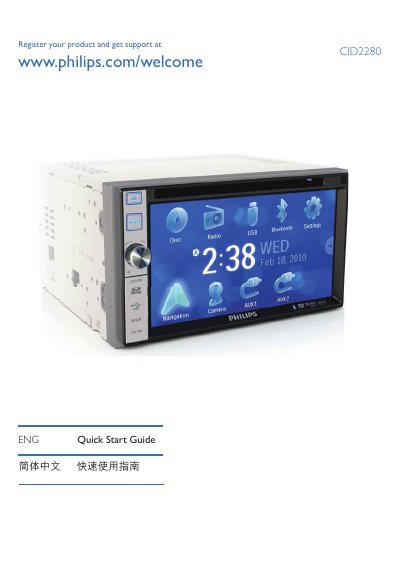
Philips CID2280 Car Entertainment System Quick Start Guide
The Philips CID2280 is a car entertainment system that provides video, audio, navigation, radio and Bluetooth phone functions. This guide helps users get the unit up and running quickly.
It covers turning the unit on and off, selecting language, adjusting screen brightness, setting date and time, using the navigation map, operating FM/AM radio, playing DVDs, CDs, USB and SD cards, pairing Bluetooth devices, and adjusting volume and equalizer settings.
Philips CID2280 specifications
| Bluetooth device limit | Up to 8 devices |
|---|---|
| SD card support | Supports SDHC cards |
| Default Bluetooth PIN | 0000 |
Source: Philips CID2280 Car Entertainment System Quick Start Guide
All Philips CID2280 documents by type
Day-to-day operation, settings and troubleshooting. Start here if the product is already set up.
The shortest path to a working setup, usually only a few pages.
Questions answered in these manuals
How do I turn off the Philips CID2280 unit?
Press and hold the power button for 3 seconds.
From: Philips CID2280 Car Entertainment System Quick Start Guide
What media formats can be played from a disc?
The unit can play DVD video, DVD‑R, DVD‑RW, VCD, Audio CD, CD‑R and CD‑RW discs.
From: Philips CID2280 Car Entertainment System Quick Start Guide