
Key facts
- Brand
- Philips
- Model
- CID3282
- Category
- Car Speakers
- Industry
- Automotive
- Documents
- 2
- Languages
- ZH
- Last added
- 2012-03-27
Start here
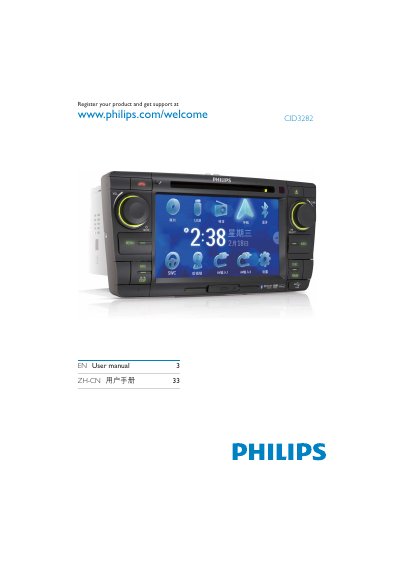
Philips CID3282 User Manual
This manual explains how to register your Philips CID3282 product and obtain support via the Philips website. It includes the registration URL and the document order number for reference.
The document also lists the hardware components such as the DVD/CD loader, LCD panel, and loudspeakers, and provides safety and environmental information regarding hazardous substances used in the product. This manual is written in Chinese.
Philips CID3282 specifications
| Power Supply | 12 V |
|---|---|
| Supported Media (DVD) | DVD video, DVD‑R, DVD‑RW |
| Supported Media (Audio CD) | Audio CD, CD‑R, CD‑RW |
| Supported Media (USB) | USB playback |
| FM Bands | FM1, FM2, FM3 |
| AM Bands | AM1, AM2 |
| Maximum Paired Devices | 8 |
| Date Format Example | 2009/571 |
Source: Philips CID3282 User Manual
All Philips CID3282 documents by type
Day-to-day operation, settings and troubleshooting. Start here if the product is already set up.
Questions answered in these manuals
How do I set the date and time on the CID3282?
Use the Date setting (e.g., 2009/571) and select the Clock Mode, which can be set to 24‑hour display.
How many devices can be paired with the CID3282?
The device can be paired with up to eight other units.
How can I register my Philips CID3282?
You can register the product at www.philips.com/welcome CID3282 as shown on the first page of the manual.
What is the document order number for this manual?
The document order number is CID3282_93_UM_V1.0.