
Philips V Line/i Line 271V8/272V8/271i8 User Manual

This manual provides installation, operation, image optimization, and troubleshooting instructions for Philips V Line/i Line 271V8/272V8/271i8 monitors.
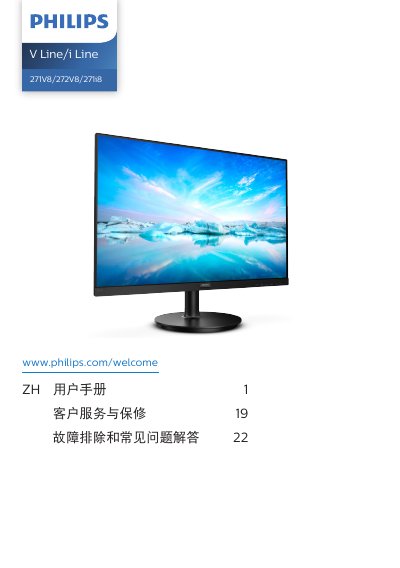

Philips V Line/i Line 271V8/272V8/271i8 User Manual - cover page
Brand
Philips
Category
Monitors
Document type
User Manual
Language
Chinese
Pages
28
File format
PDF
File size
3.3 MB
Published
12 October, 2026
Updated
12 October, 2026
MD5 checksum
9774A771FF701F99B60FF5D02D5AF1E5

About this manual

This user manual covers the setup and operation of Philips V Line/i Line 271V8/272V8/271i8 monitors. It includes instructions for installing the stand, connecting the monitor to a PC via VGA, HDMI, or DisplayPort, and powering it on. The guide details the functions of the control buttons for accessing the On-Screen Display (OSD) menu, adjusting brightness, switching input sources, and controlling volume on specific models. This manual is written in Chinese.

What's inside

  • Safety Measures
  • Installation
  • Connecting to PC
  • Operating the Monitor
  • Image Optimization
  • Adaptive Sync
  • Technical Specifications
  • Power Management
  • Troubleshooting
  • Customer Service
Download PDF (3.3 MB)

More Philips Manuals


View all Philips manuals →