
Key facts
- Brand
- Philips
- Model
- 190S5
- Industry
- Industrial
- Documents
- 2
- Languages
- EN
- Last added
- 2012-05-03
Start here
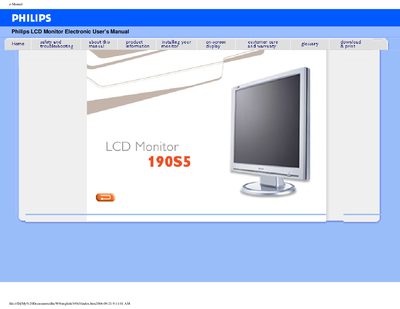
Philips 190S5 LCD Monitor User Manual
This manual covers safety and troubleshooting information for the Philips 190S5 LCD monitor, including precautions for handling, cleaning, and environmental limits. It also explains how to install the monitor, use the on‑screen display, and access customer‑care and warranty details.
The document lists the monitor’s technical specifications such as a 19‑inch TFT LCD panel, 1280 × 1024 resolution, 500:1 contrast ratio, 250 cd/m² brightness, and <12 ms response time, as well as features like VESA mounting, anti‑theft lock, and sRGB color mode.
Philips 190S5 specifications
| Screen size | 19" (48.26 cm) diagonal |
|---|---|
| Resolution | 1280 × 1024 pixels |
| Contrast ratio | 500:1 (typ.) |
| Brightness | 250 cd/m² (typ.) |
| Response time | <12 ms (typ.) |
| Viewing angle | >80° (typ.) in all directions |
| Pixel pitch | 0.294 × 0.294 mm |
| Vertical refresh rate | 56–76 Hz |
| Horizontal frequency | 30 kHz–82 kHz |
All Philips 190S5 documents by type
Day-to-day operation, settings and troubleshooting. Start here if the product is already set up.
Questions answered in these manuals
How should I clean the Philips 190S5 monitor?
Unplug the monitor, then wipe the screen with a dry cloth; never use alcohol, solvents, or ammonia‑based liquids.