
Key facts
Start here
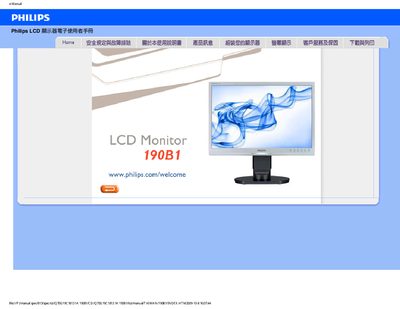
Philips 190B1 LCD Monitor User Manual
This manual covers safety precautions and troubleshooting information for the Philips 190B1 LCD monitor, including handling, cleaning, and environmental requirements. It also explains how to install the monitor, connect cables, and download driver software.
A comprehensive FAQ section answers common questions about resolution settings, refresh rates, VESA mounting, and compatibility with PCs, Macs, and other devices. The document ends with instructions for downloading and printing the manual and driver files. This manual is written in Chinese.
Philips 190B1 specifications
| Recommended resolution | 1440x900 @60Hz |
|---|---|
| Maximum refresh rate | 75Hz |
| Operating temperature range | 0‑40 °C |
All Philips 190B1 documents by type
Day-to-day operation, settings and troubleshooting. Start here if the product is already set up.
Questions answered in these manuals
What should I do if the screen shows “Cannot display this video mode”?
Set the PC resolution to 1440 × 900 @ 60 Hz, adjust the refresh rate to 60 Hz, then reconnect and power on the monitor.
What is the recommended refresh rate for the LCD monitor?
The recommended refresh rate is 60 Hz (up to 75 Hz for interference testing).