
Key facts
Start here
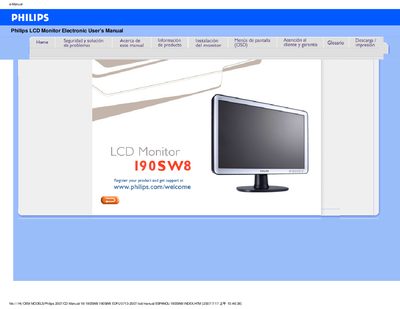
Philips 190SW8 Monitor User Manual
This manual covers safety precautions, proper handling, and installation of the Philips 190SW8 LCD monitor. It explains how to connect power, avoid damage, and maintain the screen for long‑term reliability.
The guide also details screen adjustments, recommended video settings, VESA mounting options, and answers common questions about resolution, refresh rate, cleaning, and troubleshooting. This manual is written in Spanish.
Philips 190SW8 specifications
| Screen size | 19" (visible area) |
|---|---|
| Panel type | TFT LCD |
| Resolution | 1440 × 900 pixels |
| Pixel pitch | 0.285 mm × 0.285 mm |
| Refresh rate | 56 Hz – 75 Hz |
| Horizontal frequency | 30 kHz – 83 kHz |
| Video dot rate | 250 MHz |
| Effective display area | 410.4 mm × 256.5 mm |
All Philips 190SW8 documents by type
Day-to-day operation, settings and troubleshooting. Start here if the product is already set up.
Questions answered in these manuals
What should I do if the monitor shows "Cannot display this video mode"?
Set the video mode to 1440×900 @ 60 Hz, then reconnect the monitor and restart the computer.
How do I adjust the monitor’s refresh rate?
For LCDs the refresh rate is fixed; the monitor operates at 60 Hz, which provides a stable, flicker‑free image.
What should I do if the screen shows "No se puede mostrar este modo de video"?
Set the video mode to 1440 × 900 @ 60 Hz using the Windows display settings, then reconnect the monitor.
How should I clean the LCD surface?
Use a lightly dampened soft cloth; for deeper cleaning you may use isopropyl alcohol, but avoid organic solvents such as ethanol, acetone, or ammonia.
What video mode should I set for the monitor?
Set the monitor to the recommended video mode of 1440 × 900 at 60 Hz.
How do I reset the monitor to its default settings?
Press the TOK button and select Reset to restore all original settings.