
Key facts
Start here
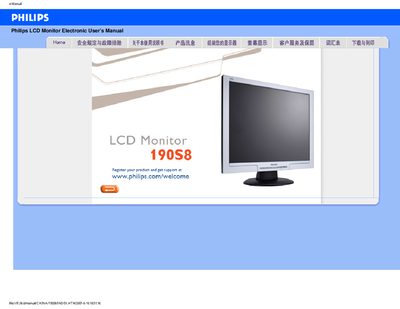
Philips 190S8 LCD Monitor User Manual
This manual covers safety precautions, proper handling, and maintenance for the Philips 190S8 LCD monitor. It includes detailed instructions for installation, power connection, cleaning, and troubleshooting common issues.
The document also provides technical data such as operating temperature, humidity limits, recommended display settings, and information on features like SmartImage, VESA mounting, and USB compatibility. This manual is written in Chinese.
Philips 190S8 specifications
| Recommended resolution | 1280x1024 pixels (19") |
|---|---|
| Screen hardness | Equivalent to 2H pencil hardness |
| Color temperature settings | 5000K, 6500K, 7500K, 8200K, 9300K, 11500K |
| VESA mounting holes | 4 standard VESA mounting holes |
All Philips 190S8 documents by type
Day-to-day operation, settings and troubleshooting. Start here if the product is already set up.
Questions answered in these manuals
Can the monitor be mounted on a wall?
Yes, the back panel has four standard VESA mounting holes for most VESA-standard arms or accessories.
Does the monitor accept interlaced signals from a PC?
No. Interlaced signals cause odd and even horizontal scan lines to display at the same time, distorting the image.
What does 'refresh rate' mean for an LCD monitor?
LCD monitors display a stable, flicker‑free image at a fixed refresh rate of 60 Hz, so the rate has little impact on perceived image quality.
How should I clean the LCD surface?
Wipe the screen with a clean, soft cloth; for deeper cleaning use isopropyl alcohol, avoiding solvents such as acetone or ethyl alcohol.