
Key facts
- Brand
- EXTECH
- Model
- DV25
- Industry
- Industrial
- Documents
- 2
- Languages
- EN
- Last added
- 2012-08-01
Start here
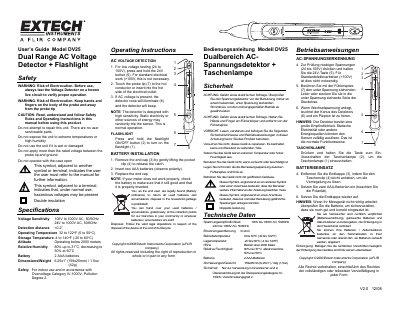
Extech DV25 Dual Range AC Voltage Detector User Guide
This manual provides instructions for the Extech DV25 Dual Range AC Voltage Detector, which features a built-in flashlight. It includes safety warnings regarding electrocution and proper usage, as well as operating instructions for detecting AC voltage at two different ranges: 100V to 1000V and 24V to 1000V.
Read onlineEXTECH DV25 specifications
| Voltage Sensitivity (High) | 100V to 1000V AC, 50/60Hz |
|---|---|
| Voltage Sensitivity (Low) | 24V to 1000V AC, 50/60Hz |
| Detection Distance | <0.2" |
| Operating Temperature | 32 to 122°F (0 to 50°C) |
| Battery | 2 AAA batteries |
| Dimensions/Weight | 6.25x1" (159x25mm) / 1.5oz (42g) |
Source: Extech DV25 Dual Range AC Voltage Detector User Guide
All EXTECH DV25 documents by type
Day-to-day operation, settings and troubleshooting. Start here if the product is already set up.
Questions answered in these manuals
How do I test for low voltage (24V to 100V)?
Press and hold the 24V button before touching the probe tip to the hot conductor.
How do I turn on the flashlight?
Press and hold the flashlight ON/OFF button to turn on the flashlight.
What voltage ranges does the EXTECH DV25 detect?
The device detects non-contact AC Voltage in two selectable ranges: from 24 to 1000VAC and from 100 to 1000VAC.
From: EXTECH DV25 CAT IV AC Voltage Detector + Flashlight Product Datasheet
What is the safety rating for this voltage detector?
The EXTECH DV25 has a CAT I/IV-1000V safety rating.
From: EXTECH DV25 CAT IV AC Voltage Detector + Flashlight Product Datasheet