
Key facts
- Brand
- EXTECH
- Model
- MO297
- Category
- Other Electronics
- Documents
- 2
- Languages
- EN
- Last added
- 2023-10-18
Start here
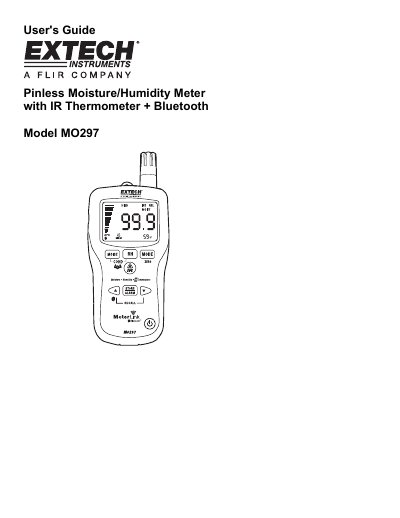
Extech MO297 Pinless Moisture Meter User's Guide
This manual provides instructions for the Extech MO297, a Pinless Moisture Meter that incorporates a built-in IR Thermometer and Bluetooth connectivity for use with Flir infrared cameras. The device allows users to monitor moisture in wood and building materials without surface damage while simultaneously measuring humidity, air temperature, and non-contact surface temperature.
Read onlineExtech MO297 specifications
| Memory Capacity | 20 point internal memory |
|---|---|
| IR Distance to Spot Ratio | 8:1 |
| Fixed Emissivity | 0.95 |
| Auto Power Off Time | 30 minutes |
| Battery Type | 9V |
All Extech MO297 documents by type
Day-to-day operation, settings and troubleshooting. Start here if the product is already set up.
Questions answered in these manuals
How do I enable Bluetooth on the MO297?
Press and hold the up arrow button for two seconds until the Bluetooth icon appears in the display.
What happens when the meter detects condensation risk?
The meter beeps and displays a Condensation Indicator icon; it beeps twice if the temperature is less than 3°C above the Dew Point.
Does the MO297 damage the surface when measuring moisture?
No, it uses Pinless technology to indicate moisture content without damaging the surface.
From: Extech MO297 Pinless Moisture Psychrometer + IR Thermometer User Manual
Can the MO297 communicate wirelessly?
Yes, it supports wireless communication with FLIR Thermal Imaging Cameras (b60, i60, B-Series, and T-Series).
From: Extech MO297 Pinless Moisture Psychrometer + IR Thermometer User Manual