
Key facts
- Brand
- EXTECH
- Model
- RE300
- Documents
- 2
- Languages
- EN
- Last added
- 2023-10-18
Start here
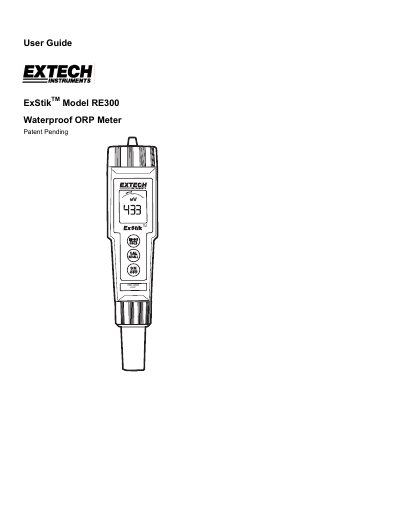
ExStik RE300 Waterproof ORP Meter User Guide
This guide explains how to operate the ExStik RE300 Waterproof ORP Meter, including turning it on, taking measurements, storing readings, and replacing batteries. It also covers electrode replacement and auto power-off features. The meter displays ORP in mV with a bargraph and can store up to 15 readings.
The device uses four CR2032 batteries and includes a low battery indicator. It operates between 0 to 50°C and features automatic calibration upon startup. Stored readings can be recalled using the CAL and MODE buttons.
Extech RE300 specifications
| Display | Multifunction LCD with Bargraph |
|---|---|
| Operating Conditions | 32 to 122°F (0 to 50°C) / < 80% RH |
| ORP Range / Accuracy | ± 999mV / ± 4mV |
| Measurement Storage | 15 tagged (numbered) readings |
| Power | Four (4) CR2032 button batteries |
| Auto Power Off | After 10 minutes of inactivity |
All Extech RE300 documents by type
Day-to-day operation, settings and troubleshooting. Start here if the product is already set up.
Questions answered in these manuals
How do I turn on the RE300?
Press the ON/OFF button to turn the RE300 on. It enters Automatic Calibration mode.
How do I store a reading?
Press the MODE button to store a reading. The LCD will display the memory location number and the value stored.
What is the accuracy of the Extech RE300?
The meter provides measurements with ±4mV accuracy.
Does the ExStik ORP Meter support automatic calibration?
Yes, it features automatic electronic self-calibration.