
Key facts
- Brand
- EXTECH
- Model
- HT200
- Category
- Industrial Supply
- Documents
- 3
- Languages
- EN
- Last added
- 2023-10-18
Start here
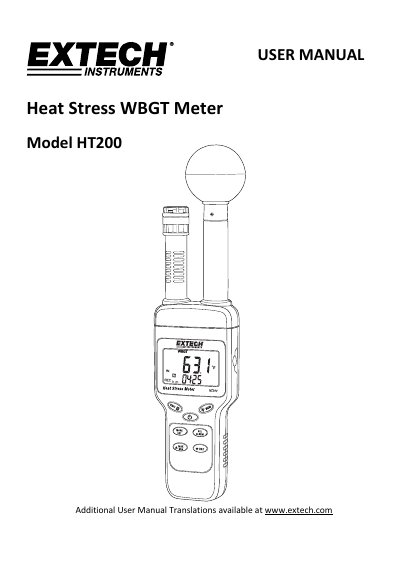
Extech HT200 Heat Stress WBGT Meter User Manual
The Extech HT200 Heat Stress WBGT Meter is designed to accurately determine heat stress by factoring a combination of parameters including humidity, temperature, and direct solar radiation. The device features a fast-responding capacitance sensor and an LCD display with LED backlighting, allowing users to measure Wet bulb globe temperature (WBGT), Black globe temperature (TG), Humidity, Air temperature, Wet bulb, and Dew point. It includes features such as maximum, minimum, and data hold recording, as well as audible and visual alarm functions for high and low thresholds.
Read onlineExtech HT200 specifications
| WBGT Range (Indoor/Outdoor, No Sun) | 0~59.0 °C / 32.0~138.0 °F |
|---|---|
| WBGT Range (Outdoor, With Sun) | 0~56.0 °C / 32.0~132.0 °F |
| Relative Humidity Range | 1%~99% |
| Battery Type | 9V |
| AC Adapter Voltage | 9 VDC (8~14 VDC Max) |
All Extech HT200 documents by type
Day-to-day operation, settings and troubleshooting. Start here if the product is already set up.
Questions answered in these manuals
How do I enable or disable the auto power off feature?
Press and hold the Power button for at least 2 seconds to disable or enable auto power-off.
What is the formula for calculating WBGT without sunlight?
The formula is WBGT = (0.7×WET)+(0.3×TG).
Which tips are included with the FHT200?
The set includes four tips with diameters of 3 mm, 6 mm, 8 mm, and 11 mm.
How do I activate the backlight?
Press and hold the LCD Back Light button for more than 2 seconds until the backlight turns on.
What tips are included with the tester?
The complete set includes four tips: 3 mm, 6 mm, 8 mm, and 11 mm.
Which tip should be used for apples?
The general recommendation is to use the 11mm tip for apples.