
Key facts
- Brand
- EXTECH
- Model
- DV40
- Industry
- Industrial
- Documents
- 2
- Languages
- EN
- Last added
- 2012-08-01
Start here
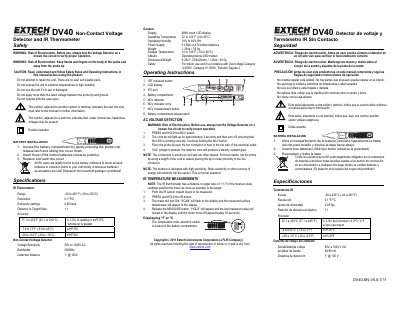
Extech DV40 Non-Contact Voltage Detector and IR Thermometer User Manual
This document is the user manual for the Extech DV40 Non-Contact Voltage Detector and IR Thermometer. It provides essential safety warnings regarding electrocution risks and proper handling of the probe. The manual details the installation of three LR44 batteries and outlines the legal requirements for battery disposal in the EU.
Read onlineEXTECH DV40 specifications
| IR Thermometer Range | -20 to 445°F (-30 to 230°C) |
|---|---|
| Resolution | 0.1°F/C |
| Emissivity settings | 0.95 fixed |
| Distance to Target Ratio | 1:1 |
| Voltage Sensitivity | 50V to 1000V AC |
| Bandwidth | 50/60Hz |
| Detection distance | 1" @ 105V |
| Power Supply | 3 LR44 or A76 button batteries |
Source: Extech DV40 Non-Contact Voltage Detector and IR Thermometer User Manual
All EXTECH DV40 documents by type
Day-to-day operation, settings and troubleshooting. Start here if the product is already set up.
Questions answered in these manuals
How many batteries does the DV40 require?
The device requires three LR44 or A76 button batteries.
From: Extech DV40 Non-Contact Voltage Detector and IR Thermometer User Manual
What is the emissivity setting for the IR thermometer?
The emissivity setting is fixed at 0.95.
From: Extech DV40 Non-Contact Voltage Detector and IR Thermometer User Manual
What is the temperature measurement range of the DV40?
The built-in IR thermometer measures temperature from -20 to 445°F (-30 to 230°C).
From: EXTECH DV40 NCV Voltage Detector + IR Thermometer Product Datasheet
What is the AC voltage detection range?
The device detects AC voltage from 50 to 1000V.
From: EXTECH DV40 NCV Voltage Detector + IR Thermometer Product Datasheet