
Key facts
Start here
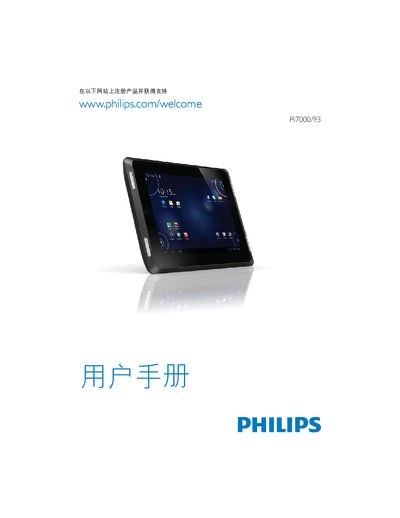
Philips Pi7000/93 Quick Start Guide
Quick Start Guide 44 pages · 1.3 MB · EN
This guide provides the essential steps to get the Philips Pi7000/93 tablet up and running. It includes instructions for connecting USB devices, inserting a Micro SD card, and using the Philips Device Manager software.
Additional sections list supported storage capacities, basic reset procedures, and reference information such as trademarks and copyright notices.
All Philips PI7000 documents by type
Quick Start Guide 2
The shortest path to a working setup, usually only a few pages.
Questions answered in these manuals
How should I charge the tablet for the first time?
Use the supplied USB power adapter and charge the device for more than eight hours.
How can I connect the tablet to a high‑definition TV?
Connect the tablet to the HDTV with an HDMI cable (sold separately).