
Key facts
- Brand
- Philips
- Model
- PET737
- Category
- Video Player
- Industry
- Electronics
- Documents
- 5
- Languages
- ZH · EN
- Last added
- 2012-03-27
Start here
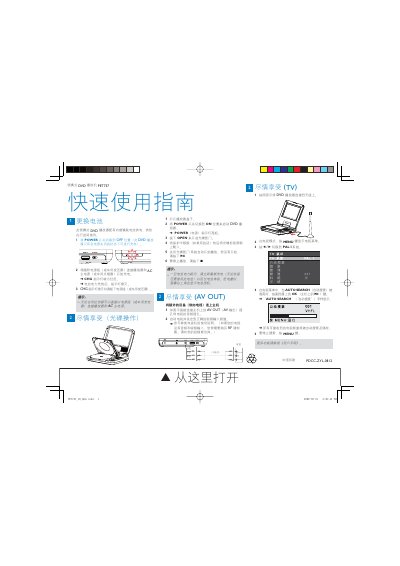
Philips PET737 Portable DVD Player Quick Start Guide
This guide shows how to power on the PET737, open the disc tray, load a DVD and start playback. It also explains how to connect the player to external audio/video equipment via the AV OUT jack and how to use the TV mode for antenna reception.
Additional sections cover battery management, including charging the built‑in NiMH battery, charging indicator behavior, and battery‑replacement instructions. Safety tips and troubleshooting notes are provided throughout. This manual is written in Chinese.
Philips PET737 specifications
| Battery type | Lithium |
|---|---|
| Power switch | Slide switch (OFF for charging) |
| Charging indicator | CHG indicator turns red while charging, off when full |
| Display | TFT screen with battery icon |
Source: Philips PET737 Portable DVD Player Quick Start Guide
All Philips PET737 documents by type
Day-to-day operation, settings and troubleshooting. Start here if the product is already set up.
The shortest path to a working setup, usually only a few pages.
Disassembly, diagnostics and part numbers, for repair.
Questions answered in these manuals
How can I connect the player to a TV?
Connect the AV OUT jack on the player to the TV's audio/video input, then set the TV to the correct input channel.
How can I connect the DVD player to a TV?
Connect the AV OUT socket on the player to the TV’s audio and video inputs, then switch the TV on and select the correct video‑in channel.
How do I charge the built‑in rechargeable battery?
Connect the DVD player directly to the AC mains; the charge indicator will turn on and the battery will charge.
What power sources can be used with the PET737?
The unit can be powered by the supplied AC adapter (100‑240 V, 0.3 A) or a 12 V car adaptor.