
Key facts
- Brand
- Philips
- Model
- MCD908
- Category
- Video Player
- Industry
- Electronics
- Documents
- 5
- Languages
- ZH · EN
- Last added
- 2012-03-27
Start here
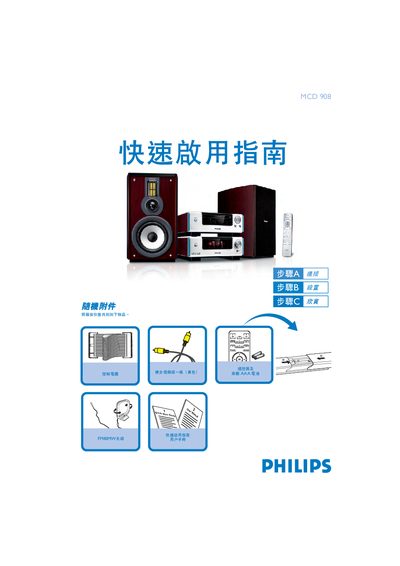
Philips MCD 908 DVD Player Quick Start Guide
The guide provides step‑by‑step instructions for getting the Philips MCD 908 DVD player up and running. It starts with a list of accessories, shows how to connect the player to a TV and speakers, and explains the required power connection.\n\nFurther sections cover setting the clock, configuring DVD menu options, programming FM/MW radio stations, and basic playback controls such as opening the disc tray and selecting sources. This manual is written in Chinese.
Read onlinePhilips MCD908 specifications
| Audio Channels | 2.0 channel full digital amplifier |
|---|---|
| Dolby Digital Decoder | Built‑in Dolby Digital decoder supporting DSC sound setting |
| HDMI Interface | High Definition Multimedia Interface for pure HD video transmission |
All Philips MCD908 documents by type
Day-to-day operation, settings and troubleshooting. Start here if the product is already set up.
The shortest path to a working setup, usually only a few pages.
Questions answered in these manuals
How do I set the clock on the MCD 908?
In standby mode press and hold the CLOCK button on the remote, adjust hours and minutes with the volume knob or remote, then press CLOCK again to confirm.
How can I program radio stations?
Hold the PROG button on the remote for a few seconds, then use the PRESET +/- keys to select and store the desired stations.
How do I set the correct voltage for my region?
Locate the voltage selector switch on the bottom of the unit and change it from the default 220V‑240V to 110V‑127V if your country uses that range.