
This is a Philips portable DVD player with a built-in lithium battery to supply power to the player when you are on travel.
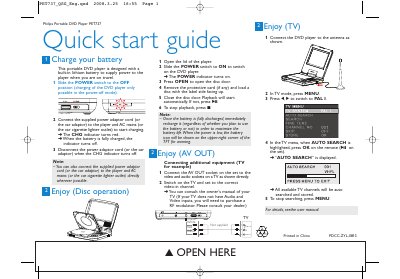
This guide provides the essential steps to get the Philips PET737 portable DVD player up and running. It covers battery charging, disc loading, playback control, and how to connect the unit to external audio‑video equipment.
The document also describes TV mode setup, including channel auto‑search and how to use the on‑screen indicators for power and battery status. All instructions are presented in concise, easy‑to‑follow language for quick reference.
| Battery type | Lithium |
|---|---|
| Power switch | Slide switch (OFF for charging) |
| Charging indicator | CHG indicator turns red while charging, off when full |
| Display | TFT screen with battery icon |
Connect the AV OUT socket on the player to the TV’s audio and video inputs, then switch the TV on and select the correct video‑in channel.