
PET737 Portable DVD Player Quick Start Guide, introduces how to use disc operations, connect additional devices, charge, replace batteries, and watch TV.
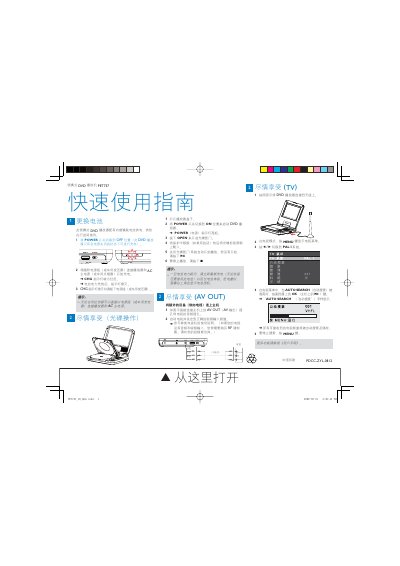
This guide shows how to power on the PET737, open the disc tray, load a DVD and start playback. It also explains how to connect the player to external audio/video equipment via the AV OUT jack and how to use the TV mode for antenna reception.
Additional sections cover battery management, including charging the built‑in NiMH battery, charging indicator behavior, and battery‑replacement instructions. Safety tips and troubleshooting notes are provided throughout. This manual is written in Chinese.
| Battery type | NiMH (built‑in) |
|---|---|
| Power indicator | LED (lights when POWER is ON) |
Connect the AV OUT jack on the player to the TV's audio/video input, then set the TV to the correct input channel.