
Key facts
- Brand
- Philips
- Model
- MCD802
- Category
- Video Player
- Industry
- Electronics
- Documents
- 2
- Languages
- EN
- Last added
- 2012-03-27
Start here
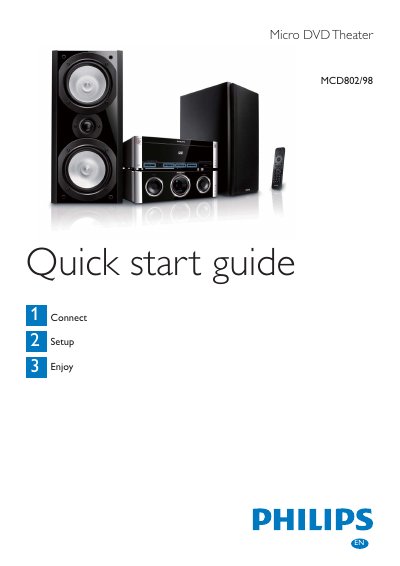
Philips MCD802/98 Micro DVD Theater Quick Start Guide
This Quick Start Guide walks you through the initial setup of the Philips MCD802/98 Micro DVD Theater. It covers unpacking, installing the remote‑control batteries, connecting the composite video cable, power cord, speakers, FM antenna and other accessories.
The guide also explains basic operation such as inserting a disc, using the USB port, setting the clock, and programming FM radio stations. Safety tips for power connection and antenna placement are included.
All Philips MCD802 documents by type
Day-to-day operation, settings and troubleshooting. Start here if the product is already set up.
The shortest path to a working setup, usually only a few pages.
Questions answered in these manuals
How do I connect the FM antenna?
Connect the supplied FM T‑Type antenna to the FM ANTENNA socket on the unit and stretch it to its full length for better reception.