
The document is the MCD 289 Quick Start Guide, which describes the items that should be found when opening the package, as well as the steps for connecting speakers, antennas, and TVs. It also provides instructions on how to set up the TV and music player.
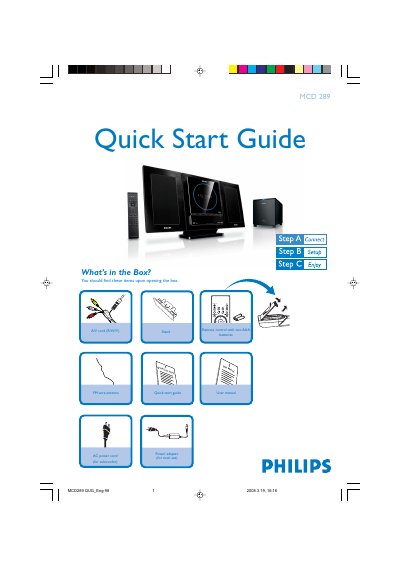
The guide begins with a list of items included in the box, such as the remote control, A/V cord, FM antenna, power adapters and the user manual. It then walks the user through connecting the speaker cables, FM antenna, A/V cord to a TV, and powering both the main unit and subwoofer.\n\nFurther sections explain how to set the clock, adjust DVD menu options, play discs, program radio stations and use USB or memory‑card playback. Tips reference the full user manual for advanced TV connections, progressive‑scan settings and additional features.
| Remote control power source | Two AAA batteries |
|---|---|
| Supported USB versions | USB 2.0, USB 1.1 |
Insert the disc with the label side facing you, ensure no other disc is in the slot, and playback will start automatically; press the stop button if needed.
Press PROGRAM for more than two seconds to automatically program all available stations, then use PRESET to select a desired station.