
This is a DVD player that supports Dolby audio and DivX and Windows Media formats. It can be connected to a TV, speakers and a wireless subwoofer.
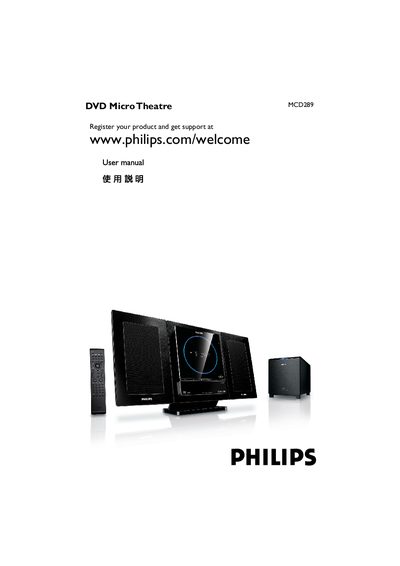
This user manual guides you through registering the product, safety precautions, and the complete installation process, including speaker, wireless subwoofer, FM antenna, TV, and power connections. Detailed instructions cover remote‑control usage, clock and language settings, and menu navigation for audio, video, and parental‑control options.
The document also lists supported disc formats, region‑code requirements, accessories, environmental disposal information, technical specifications, and a troubleshooting section that helps resolve common issues such as power problems, audio/video errors, and wireless subwoofer pairing.
Visit the registration page at www.philips.com/welcome and follow the on‑screen instructions.
Ensure the AC power cord is correctly connected to the wall outlet and that the power switch is set to the proper voltage for your region.
Select “設定所需的語言” from the menu and choose the desired language.