
Key facts
- Brand
- Philips
- Model
- HTS9520
- Industry
- Appliances
- Documents
- 6
- Languages
- EN · ZH
- Last added
- 2012-03-26
Start here
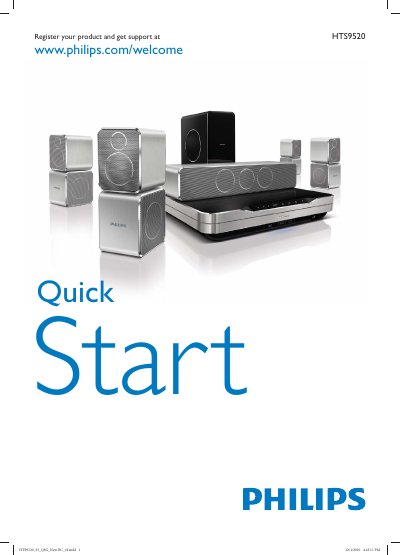
Philips HTS9520 Quick Start Guide
This guide provides two quick‑start instructions for the Philips HTS9520 home theater. It is multilingual and directs you to click the image that matches the remote control included in your box.
Key sections cover speaker placement, cable connections (HDMI, FM antenna, speaker cables), power cord setup, and optional accessories such as the Philips WUB1110 Wi‑Fi adapter and iPod dock cable.
Philips HTS9520 specifications
| Required power voltage | Match the voltage printed on the back or bottom of the product |
|---|---|
| Wi‑Fi USB adapter (optional) | Philips WUB1110 |
| Wireless rear‑audio module (optional) | Philips RWSS9500 |
| HDMI output | HDMI ARC |
All Philips HTS9520 documents by type
Day-to-day operation, settings and troubleshooting. Start here if the product is already set up.
The shortest path to a working setup, usually only a few pages.
Questions answered in these manuals
How many AAA batteries are required?
Two AAA batteries are required.
Where can I register my product for support?
You can register at www.philips.com/welcome.
How do I register my Philips HTS9520 home theater?
Visit www.philips.com/welcome HTS9520 and follow the registration instructions.
How can I update the software on the HTS9520?
Software can be updated from the network or via a USB drive using the menu options.
How can I register my Philips HTS9520 home theater?
Register the product at www.philips.com/welcome HTS9520 to receive support and updates.
How do I update the software on the HTS9520?
You can update the software via the network, from a USB drive, or by checking the software version in the menu.