
Key facts
- Brand
- Philips
- Model
- Nero 7 LightScribe
- Category
- Other device
- Documents
- 3
- Languages
- EN
- Last added
- 2012-03-13
Start here
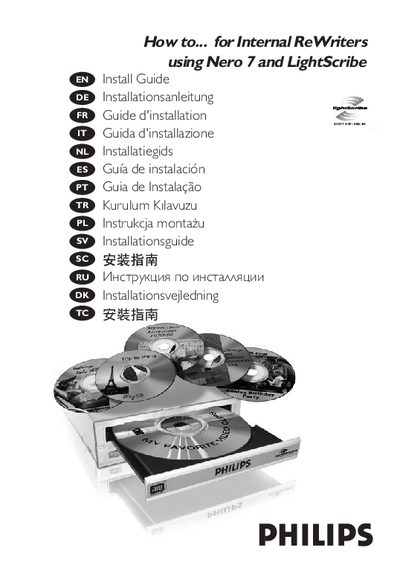
Philips Internal ReWriters Nero 7 LightScribe Installation Guide
This guide explains how to install the Philips Internal ReWriters drive, including disconnecting power, removing the computer cover, and configuring the drive as Master or Slave. It also provides instructions for updating the drive firmware and software.
Additional sections cover printing LightScribe labels, creating video, audio or data discs, copying discs, and where to find further help or technical information.
All Philips Nero 7 LightScribe documents by type
Mounting, wiring and first power-up. Read it before the hardware goes in.
Questions answered in these manuals
How can I print a label using LightScribe?
Use the Nero 7 software to print a LightScribe label after the drive is installed.
From: Philips Internal ReWriters Nero 7 LightScribe Installation Guide
How do I create a video disc?
Select the video disc creation option in Nero 7 and follow the on‑screen prompts.
From: Philips Internal ReWriters Nero 7 LightScribe Installation Guide
How do I install the Nero 7 LightScribe drive?
Disconnect the power cable, open the computer case, mount the drive, and set it as Master or Slave as described in the installation steps.
How can I print a label using LightScribe?
Use the LightScribe function in the Nero software to print a label, following the instructions in the guide.